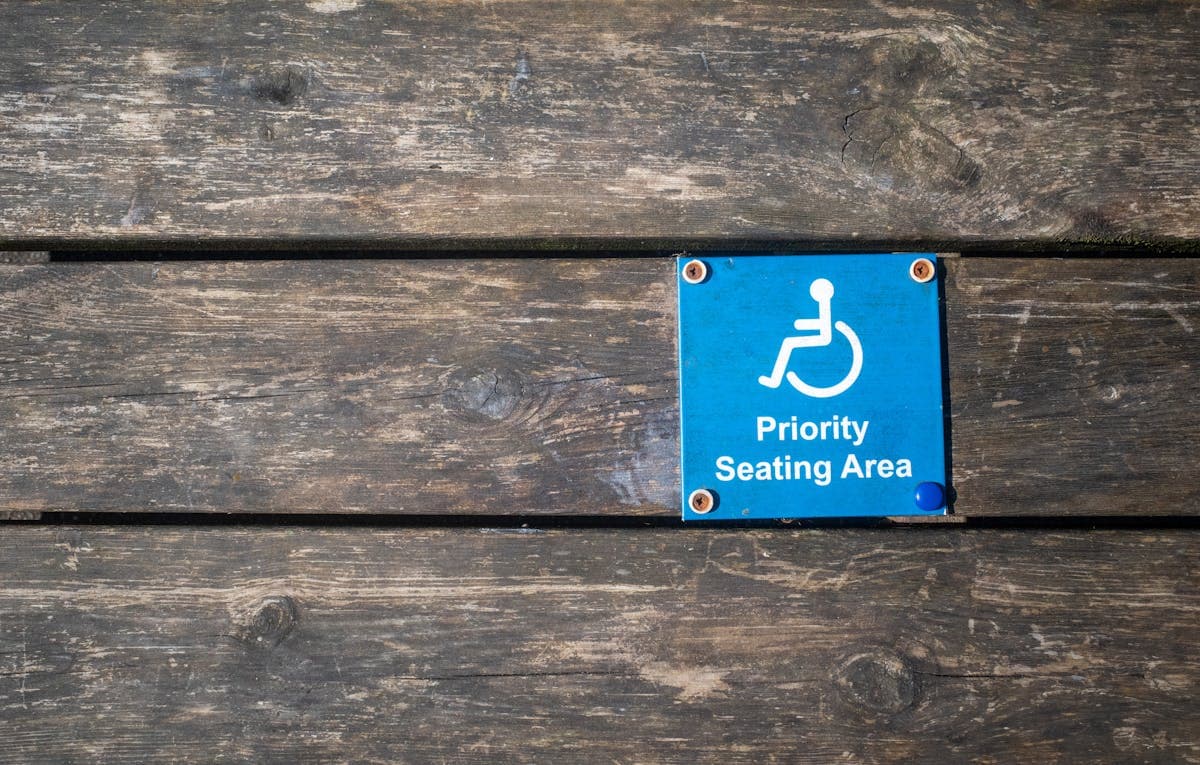
ADA Compliance for Audio Content: What Applies in 2026
Summarize this article with:
For prerecorded audio-only content like podcasts and audio courses, the operative accessibility requirement is a text transcript, not captions, which belong to synchronized video. The ADA itself contains no transcript mandate; the obligation flows from case law, state statutes like California's Unruh Act, and the WCAG 1.2.1 standard that courts use as the compliance benchmark. In April 2024, the DOJ finalized a WCAG 2.1 AA rule for government websites (Title II); no equivalent federal technical rule exists yet for private businesses (Title III). This post explains who is actually at risk, what a compliant transcript must contain, and the practical steps to get there.
For prerecorded audio-only content, the accessibility requirement is a text transcript, not captions. Captions apply to synchronized video. If you publish podcasts, audio courses, or recorded interviews without an accompanying text transcript, you have a gap against the standard courts and enforcement agencies use to evaluate ADA compliance. This post focuses on that audio-only lane specifically.
Note: nothing here is legal advice. If you face a demand letter or are planning a formal accessibility program, consult an attorney familiar with ADA Title III and the laws in your state.
What the Law Actually Says (and What It Doesn't)
No federal regulation currently mandates transcripts for private-business audio content. This is the fact most ADA compliance guides skip over.
The ADA itself does not specify technical standards. In April 2024, the Department of Justice finalized a rule under Title II requiring state and local governments to meet WCAG 2.1 Level AA for their web content and mobile apps. In April 2026, the DOJ extended those compliance deadlines: entities serving populations of 50,000 or more must comply by April 26, 2027; smaller entities and special districts have until April 26, 2028. The technical standard (WCAG 2.1 AA) was not changed.
For private businesses under Title III, the situation is different. The Biden administration ran out of time to issue a parallel Title III technical rule. In October 2025, the DOJ announced it would re-examine both Title II and Title III regulations on an unspecified timeline; a new federal technical standard for private businesses is not expected in the near term. The current administration has also de-prioritized civil rights enforcement generally.
What this means in practice: for a podcast producer or online course creator, the ADA compliance obligation flows from case law, settlements, and state statutes, not a federal technical regulation. Courts evaluating Title III claims consistently apply WCAG 2.1 AA as the de facto benchmark because it is what the DOJ has endorsed and what settlement agreements specify. The standard functions as a regulation in everything but name.
The Standard That Actually Controls: WCAG 1.2.1
WCAG 1.2.1 (Audio-only and Video-only, Prerecorded) is a Level A criterion, the minimum level of conformance. It requires:
For prerecorded audio-only content: provide an alternative for time-based media (a text transcript) that presents equivalent information.
| Content type | WCAG criterion | Level | What you need |
|---|---|---|---|
| Prerecorded audio-only (podcast, audio course) | 1.2.1 | A | Text transcript |
| Prerecorded video with audio | 1.2.2 | A | Synchronized captions |
| Prerecorded video, visual information | 1.2.5 | AA | Audio description |
| Live audio/video | 1.2.4 | AA | Real-time captions |
Because WCAG AA compliance requires satisfying all Level A criteria as well, a transcript for audio-only content is part of the AA package courts expect. The separate video requirements are covered in making videos accessible with captions.
Who Is Actually Covered
The ADA's Title III covers private entities that are places of public accommodation. The statute lists 12 categories: hotels, restaurants, theaters, retail stores, healthcare providers, banks, museums, schools, gyms, and others. Businesses within these categories must make reasonable accommodations, including accessible web and audio content.
Whether a website itself counts as a place of public accommodation depends on which federal circuit handles any lawsuit:
Nexus required (3rd, 6th, 9th circuits): The website must have a sufficient connection to a physical business location. A pure online-only business may have an argument it is not covered, though that argument is contested even within these circuits.
No nexus required (1st, 2nd, 7th circuits): Websites of entities within covered categories are treated as places of public accommodation in their own right, including online-only businesses.
Practical bottom line: Most businesses serving the public face real litigation risk regardless of circuit. The nexus argument has not stopped plaintiff firms from filing in volume. If you sell online courses to the public, the safer assumption is that you are covered.
State Laws Layer on Top
California's Unruh Civil Rights Act (Civil Code sections 51 and 52) provides $4,000 statutory damages per violation plus attorney's fees for disability discrimination by business establishments. California courts have applied Unruh to websites, and California generates more digital accessibility lawsuits than any other state. The Unruh Act does not require the same nexus analysis as Title III, which extends its reach.
New York's Human Rights Law and New York City's Human Rights Law have been similarly active grounds for web accessibility claims.
For businesses with international users, the picture is different again; see accessibility laws by country.
Lawsuit Trends: What the Numbers Say
ADA digital accessibility lawsuits reached more than 5,000 filings in 2025, up from approximately 4,200 in 2024, according to UsableNet's annual tracking. E-commerce accounts for roughly 70% of cases. Education and media properties are a smaller share but not zero.
One trend worth noting: 25% of lawsuits in 2024 explicitly named accessibility overlay widgets (those one-line-of-code "compliance" plugins) as barriers rather than solutions. The FTC fined AccessiBe $1 million in 2024 for misrepresenting that its widget could make any website compliant. Overlays do not generate transcripts and do not satisfy WCAG 1.2.1.
Audio and video accessibility claims are documented easily: a plaintiff visits your site, finds a podcast episode or audio course with no transcript, and the complaint is written.
What a Compliant Transcript Must Contain
A transcript that satisfies WCAG 1.2.1 is not show notes or a summary. It must:
- Capture all spoken content verbatim (or near-verbatim for natural speech)
- Identify who is speaking in multi-speaker recordings
- Note significant non-speech sounds that affect understanding: audience questions, laughter, a phone ringing mid-episode, background sounds that carry meaning
Speaker identification is where most AI-generated first drafts fall short. A transcript that says "the speaker" throughout a two-host podcast does not present equivalent information to someone who can hear the distinction.
Publishing the transcript matters too. It should appear on the same page as the audio, not behind a separate link that takes extra steps to find. Users with disabilities should not have to hunt for the alternative format.
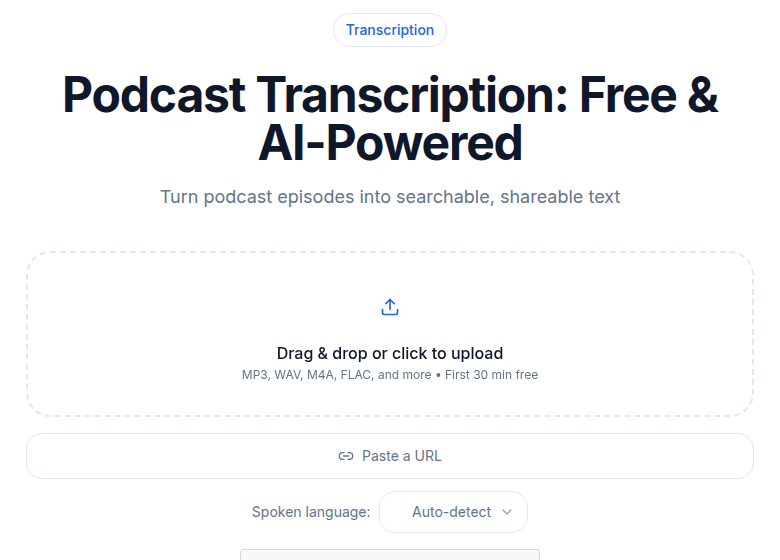 ConvertAudioToText podcast transcription tool
The Transcript Workflow for Audio Backlogs
For organizations sitting on 50, 100, or 500 existing audio files without transcripts, a systematic process looks like this:
Step 1: Inventory. List all public-facing audio content and sort by traffic. The most-visited content carries the highest litigation exposure and should be prioritized.
Step 2: AI transcription for the first pass. Run files through an AI transcription tool to produce a timestamped draft. This handles the volume problem, processing 100 episodes manually from scratch is not realistic.
Step 3: Human review. A human editor checks speaker identification, corrects proper nouns and technical terms the AI may have misread, and adds notes for significant non-speech sounds. This is where the compliance gap closes.
Step 4: Publish on the page. Place the finished transcript on the episode or course-unit page. Plain HTML text or a downloadable document both work; the transcript should not live only inside a PDF that screen readers struggle with.
Step 5: Build it into new content production. For every new episode, the transcript workflow runs before publication. Front-loading this is far cheaper than remediating later.
If you just need a clean transcript without a full content management system, ConvertAudioToText's podcast tool handles the AI draft step with speaker diarization included.
Common Misconceptions That Create Risk
"We post show notes, so we're covered." Show notes are editorial summaries. WCAG 1.2.1 requires an alternative that presents equivalent information to the audio. A 200-word summary of a 45-minute interview is not equivalent.
"Our audio is on a podcast platform, not our website." If you embed or link audio on your website, the ADA obligation attaches to your site. The platform hosting the file is a separate entity.
"Our business is too small to be targeted." Title III has minimal size thresholds. And plaintiff firms increasingly target small and mid-size businesses precisely because they are less likely to have legal teams that make litigation expensive.
"We installed an accessibility plugin." Overlay plugins do not generate transcripts. No plugin fixes a missing text alternative. This category of defense has resulted in FTC enforcement and active lawsuits against the plugin vendors themselves.
"No one has complained." The ADA does not require prior notice before a lawsuit. Waiting for complaints is not a compliance strategy.
Defenses That Actually Work
Documented good-faith remediation. Courts and opposing counsel look favorably on businesses that are actively working through a backlog with a written remediation plan and measurable progress. "We are 60% through our audio inventory on this schedule" is a real defense. "We plan to get to it" is not.
Mootness after remediation. If you have already added transcripts to the specific content a plaintiff identified, the claim may be moot. Speed of remediation after receiving a demand letter matters.
Standing challenges. A plaintiff must have actually encountered the barrier, or plausibly intended to use your content. In some cases this is contested.
Procedural defenses. Some jurisdictions have pre-suit notice requirements. Venue challenges and standing arguments are common in serial litigation.
The economic case for proactive compliance is clear. ADA website lawsuits cost businesses $55,000 to $270,000 per case in total when factoring in settlement, legal defense, required remediation, and monitoring, according to data from accessibility.works and TestParty. A transcript backlog for 100 audio files can be addressed for a fraction of that.
Accessibility Statement
Most accessibility-aware organizations publish a statement that includes:
- The standard being targeted (WCAG 2.1 AA)
- A contact method for users to report barriers
- Known gaps and remediation timelines
- The date of last review
The statement is not a shield against lawsuits, but it documents good-faith effort and shifts the framing in any enforcement conversation.
Frequently Asked Questions
Does the ADA require transcripts for podcasts?
Not through a direct federal regulation. No DOJ technical rule currently mandates transcripts for private-business audio content. The obligation comes from ADA Title III case law, which courts evaluate against WCAG 2.1 AA, and from state laws like California's Unruh Civil Rights Act. Under WCAG 1.2.1 (Level A), prerecorded audio-only content requires a text transcript that is equivalent in information to the audio. Since WCAG AA compliance includes all Level A criteria, a podcast without a transcript fails the benchmark courts apply.
What must an accessible podcast transcript include?
A compliant transcript must capture all spoken content, identify who is speaking in multi-speaker recordings, and note significant non-speech sounds that affect understanding, for example, audience laughter, a question from a caller, or relevant background audio. Word-for-word accuracy matters, but so does completeness. A summary or show notes do not satisfy the requirement.
Is my online audio course covered by the ADA?
If your business is a place of public accommodation under Title III, which includes schools, training providers, and most services open to the public, then yes, a court in most circuits will treat your website and its audio content as covered. The coverage question is complicated by a circuit split (some circuits require a nexus to a physical location; others do not), so your litigation risk depends partly on where a plaintiff sues. California Unruh Act exposure is separate and does not require the same nexus analysis.
Do I need captions or a transcript for audio-only content?
Captions are the requirement for synchronized media, video with an audio track (WCAG 1.2.2). For audio-only content like a standalone podcast episode, the WCAG requirement is a text transcript (1.2.1), not time-synchronized captions. Providing a transcript is simpler and satisfies the Level A criterion. If you later embed that audio in a video, the synchronized-media rules apply and captions become necessary.
What is the most common first step for remediating an audio backlog?
Run your existing episodes through an AI transcription tool to produce a first-pass text file, then review for accuracy, speaker identification, and significant non-speech sounds. This two-step workflow, AI draft plus human review, is the practical starting point for most content backlogs. Publish the transcript on the same page as the audio, accessible without extra clicks.
Sources
- ADA.gov: Fact Sheet on the 2024 Title II Web Accessibility Rule
- Federal Register: Extension of Title II Compliance Dates (April 2026)
- DOJ: Justice Department Final Rule on Web and Mobile App Access
- W3C WAI: Understanding WCAG 1.2.1 Audio-only and Video-only (Prerecorded)
- W3C WAI: Transcripts
- UsableNet: ADA Web Lawsuit Trends for 2026 (2025 data)
- UsableNet: 2024 Digital Accessibility Lawsuit Report
- ABA Business Law Today: Digital Accessibility Under Title III, August 2025
- Pivotal Accessibility: DOJ to Re-examine Title II and III, November 2025
- Accessibility.Works: California Unruh Act Overview
- TestParty: ADA Lawsuit Cost Statistics
Try transcription free
Convert any audio or video to clean, unwatermarked text — speaker labels, timestamps, and AI summaries included. First 30 minutes free, no account.
Related Articles
Accessibility Captions and ADA Compliance: A 2026 Guide
How to caption video for ADA compliance: the real WCAG levels, the DOJ Title II deadlines after the 2026 extension, Section 508, the EU Accessibility Act, and the AI-plus-human workflow that actually

WCAG Compliance With Transcripts: SC 1.2 Mapped (2026)
WCAG 2.2 Guideline 1.2 success criteria mapped to real content workflows. SC 1.2.1 through 1.2.9 explained with what transcripts satisfy, what they don't, and where AI fits.