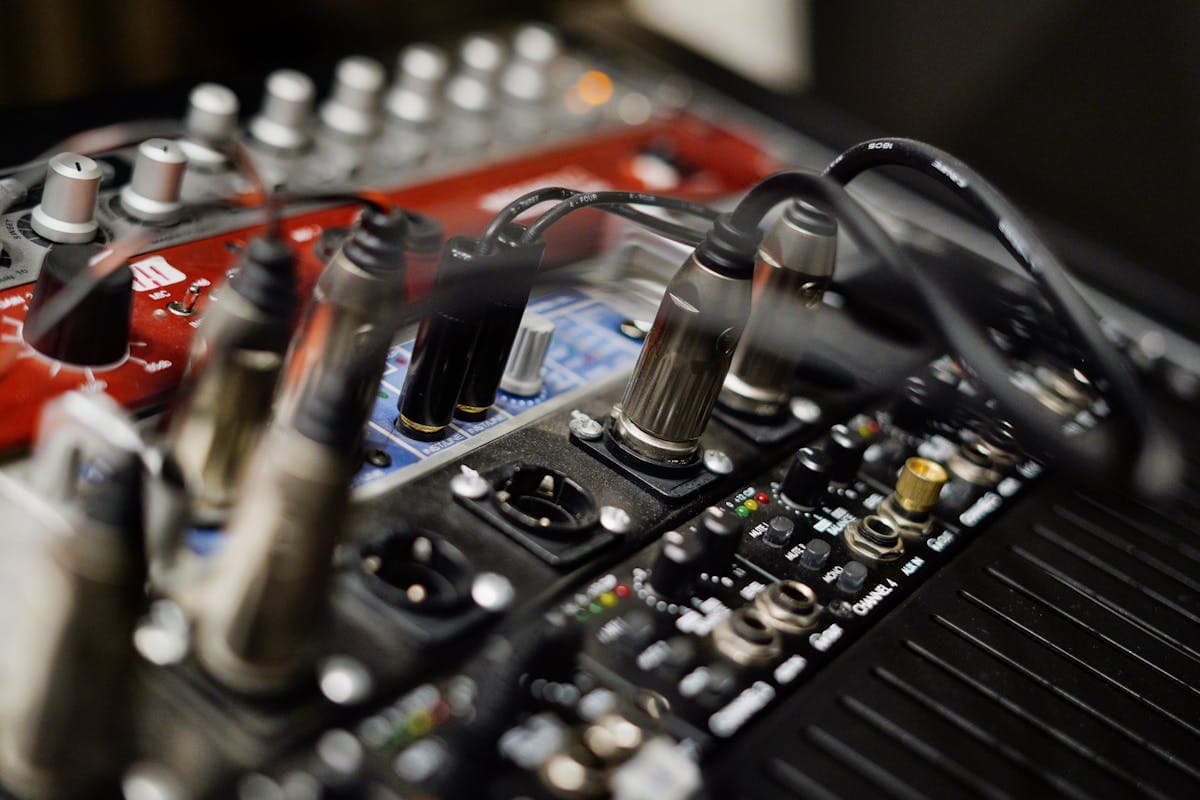
USB vs XLR Mic for Transcription: A Practical Decision Guide
Summarize this article with:
The Short Version
 For transcription the destination is the same: the mic feeds the engine
For solo and two-person recording, a USB mic in the $70-150 range produces transcripts that are effectively indistinguishable from a $1,000 XLR rig. The only time XLR clearly wins on transcription is when you have three or more speakers and need per-speaker tracks, or when you are running long cable runs in a field setup.
For almost everyone reading this: buy the USB mic, set it up correctly, and stop thinking about it.
What Transcription Models Actually Need
Modern AI transcription engines, including OpenAI Whisper and Deepgram Nova, resample all incoming audio down to 16kHz mono before processing. That is a documented technical constraint, not a preference. The practical consequence:
- 24-bit/96kHz audio delivers zero benefit for transcription. The model never uses it.
- Premium preamps: minimal benefit. All noise gets normalized in preprocessing.
- Frequency response above 8kHz: irrelevant. The model does not see that range.
- Self-noise specs below -100 dBu: irrelevant. Room noise is your actual floor.
What the model does need: consistent gain without clipping, low handling noise, a cardioid pattern to reject room reflections, and a pop filter to kill plosives. A $70 USB mic delivers all four. So does a $1,000 XLR setup, with extra fidelity the transcription engine will never use.
The mic choice is therefore mostly a logistics and workflow question, not an audio quality question.
USB Microphones: The Case For and Against
USB mics convert analog audio to digital inside the mic body. One cable into a laptop and you are recording.
The advantages are real. Zero setup time. No interface, no phantom power, no driver headaches. Lower total cost: a $70 Samson Q2U replaces a $70 XLR mic plus a $130 interface plus cables, with the same transcription output. Travel-friendly: one cable, no rack, fits in a backpack. Recording apps detect USB mics immediately.
The limitations are also real:
- One mic per USB port. Recording multiple speakers on the same computer requires USB hubs or a mic with line-in pass-through (the Q2U has it, most do not).
- Locked to the device that has the USB port. Cannot patch into a mixer or analog signal chain.
- Limited upgrade path. When you outgrow a USB mic, you replace the whole unit rather than swapping a capsule or preamp.
USB Mics Worth Buying for Transcription
Samson Q2U (~$70-80): Dynamic, USB plus XLR outputs on the same body so it can grow with you. Bundled XLR cable and shock mount. Best budget pick, and the hybrid output means you are not locked in.
Rode NT-USB Mini (~$129-149): Condenser, built-in pop filter, magnetic desk stand. Best for solo voice work in a quiet room.
Shure MV7+ (~$299): Dynamic, USB-C plus XLR, auto level mode, digital pop filter, LED touch panel. The current flagship in this category (the MV7 has been discontinued and replaced by this model). Excellent rejection of room noise.
Audio-Technica AT2020USB+ (~$149): Condenser, built-in headphone monitoring, plug-and-play on Mac and Windows. Solid all-around choice for a home office setup.
My take: for the vast majority of solo transcription work, the Q2U at under $80 is the right call. The MV7+ is a legitimate upgrade if you also stream, but you are paying for features the transcription engine cannot perceive.
XLR Microphones: The Case For and Against
XLR mics output analog audio over a balanced cable to a separate interface or mixer, which digitizes the signal. The extra link in the chain is also the source of the advantages.
Scalability is the real argument. Need four speakers on separate tracks? Four XLR mics into a four-channel interface, each speaker isolated. That is not achievable simply with USB mics into a single machine.
Longer cable runs. Balanced XLR can run 100 feet without signal degradation. USB starts to struggle past about 15 feet without an active extension.
Modular signal chain. Swap mics independently of interfaces, add outboard gear, repurpose components across different setups.
The downsides: more setup steps (mic, cable, interface, phantom power, driver, input mapping), higher total cost (a functional two-mic XLR rig starts around $400), and more failure modes in the field.
XLR Setups That Make Sense
For two-speaker interviews: two Shure SM58s ($98 each) into a Focusrite Scarlett 2i2 4th Gen ($190-225). Total around $400-425. Per-speaker tracks, clean diarization at transcription time.
For four-speaker podcasting: four Rode PodMic dynamics ($96 each) into a Focusrite Scarlett 4i4 4th Gen ($250-300). Each speaker on a separate channel, solid rejection on each track.
For mobile field work with two speakers: two XLR lavalier mics into a Zoom H5 portable recorder (~$300). Battery-powered, two clean tracks, fits in a bag.
The Real-World Cost Comparison
| Use case | USB setup | USB total | XLR setup | XLR total |
|---|---|---|---|---|
| Solo podcast / voice work | Samson Q2U | ~$75 | Shure SM58 + Scarlett Solo | ~$228 |
| Two-person interview | 2x Q2U on USB hub | ~$150 | 2x SM58 + Scarlett 2i2 | ~$420 |
| Four-person meeting | Anker PowerConf S3 (boundary mic) | ~$130 | 4x PodMic + Scarlett 4i4 + cables | ~$700 |
For transcription accuracy specifically, the USB column wins on cost in every row. The XLR column wins when per-speaker isolation is a hard requirement, or when you need the modular setup for other reasons.
Where XLR Genuinely Pays for Transcription
Multi-Speaker Recording
Once you have three or more speakers, a single mic placed in the middle of the table will lose to per-speaker XLR setups. Single-channel diarization accuracy for 2-5 clear speakers typically runs around 90-95% under good conditions. When you give the transcription engine a separate channel per speaker, the channel itself becomes the speaker label, which eliminates the diarization problem almost entirely.
You can technically run per-speaker recording on USB with multiple mics into multiple computers, but the synchronization overhead is usually worse than just buying a four-channel interface. See our speaker diarization explained guide for more on how the models handle this.
Field Recording with Lavaliers
Lavalier mics are almost exclusively XLR (or proprietary wireless). For in-person interviews where each speaker needs their own track, XLR plus a portable recorder is the standard field kit. The Zoom H5 handles two XLR inputs with phantom power and runs on AA batteries.
Where USB Genuinely Wins
Solo Recording in a Home Office
One person, one mic, one cable. There is no upside to the XLR complexity here. The NT-USB Mini or Q2U will produce clean audio that any transcription engine handles well.
Travel and Mobile Work
One USB cable into a laptop. No interface to forget, no power adapter to lose. The MV7+ or Q2U sits in a backpack and starts recording within 30 seconds of opening the computer.
Tight Budget
If your total budget is $150, USB gives you a complete recording setup. The same budget on XLR buys you the mic and nothing else.
The Hybrid Path
Several mics output both USB and XLR from the same body: the Samson Q2U, the Shure MV7+, and the Rode PodMic USB (~$175-190) all do this. Start with USB. If you later add speakers or move to a full interface setup, the same mic plugs straight in.
This is the path most home recordists land on. The Q2U in particular is worth starting with specifically because you are not locking yourself out of XLR later.
Settings That Move Accuracy More Than Mic Choice
Once you have any decent mic, gain staging, mic placement, and room treatment matter more than upgrading to a more expensive unit. We cover the specifics in the microphone tips for clear transcription and recording environment for best results guides. The mic decision is a one-time call; those techniques are what you apply every session.
For noisy environments specifically, see handling room noise in recording.
Decision Matrix by Use Case
Solo voice memos, single-speaker podcasts, lectures: Samson Q2U (~$75). Done.
Two-person interviews, casual co-host podcasts: Two Q2Us into separate USB ports, or two SM58s into a Scarlett 2i2. USB is cheaper; XLR scales better if you expect the show to grow.
Three-plus speakers, panel podcasts, group interviews: XLR with a multi-channel interface. Per-speaker tracking is worth the cost by the second recording session.
Mobile and field interviews: Zoom H5 with two XLR lavaliers. Fits in a bag, runs on batteries, two clean tracks.
Conference rooms: A USB boundary-style conference mic (such as the Anker PowerConf S3, when available) handles a table of four to six people without individual mic placement.
If you just need to drop a file and get a clean transcript without building a gear rig, the audio to text tool handles uploads from any of these setups. For meeting recordings specifically, the meeting transcription tool is the faster path.
Common Questions
Does an XLR mic actually produce more accurate transcripts than a USB mic?
At typical price points, no. Both connection types deliver audio that any modern AI transcription engine handles equally well, since those engines internally process audio at 16kHz mono regardless of the source quality. The accuracy difference between a $75 USB mic and a $400 XLR setup, for a single speaker in a reasonable room, is negligible. Mic placement and gain staging matter far more.
Can I use multiple USB mics to record several speakers at once?
You can, but it is awkward. Most operating systems require separate USB audio devices for each mic, and synchronizing multiple recordings adds editing overhead. A multi-channel XLR interface is cleaner for three or more speakers, because each person gets a dedicated input and the interface handles synchronization automatically.
Is a condenser or dynamic USB mic better for transcription?
For a controlled home office environment, either works. Dynamic mics (like the Q2U) reject more room noise and off-axis sound, which helps in less-treated spaces. Condenser mics (like the NT-USB Mini) are more sensitive and pick up more nuance, which can backfire in reverberant rooms. If you have carpet, books, and soft furniture around the desk, condenser is fine. If you are in a bare-walled room or near street noise, go dynamic.
Do I need phantom power for a USB microphone?
No. Condenser USB mics draw power from the USB connection itself, so no external phantom power supply or audio interface is needed. Phantom power (+48V) is only required when running a condenser mic through an XLR cable to an interface. Dynamic mics do not need phantom power regardless of connection type.
Sources
- Samson Q2U product page and Amazon listings (verified July 2026): samsontech.com/products/microphones/usb-microphones/q2u
- Shure MV7 discontinuation and MV7+ product page (verified July 2026): shure.com/en-US/products/microphones/mv7
- Rode NT-USB Mini and PodMic product pages (verified July 2026): rode.com/en-us/products/nt-usb-mini
- Focusrite Scarlett 2i2 4th Gen price (verified July 2026): us.focusrite.com/products/scarlett-2i2
- Focusrite Scarlett 4i4 4th Gen price (verified July 2026): us.focusrite.com/products/scarlett-4i4
- Zoom H5 pricing (verified July 2026): zoomcorp.com/en/us/handheld-recorders/handheld-recorders/h5
- Deepgram sample rate documentation: developers.deepgram.com/docs/sample-rate
- OpenAI Whisper 16kHz resampling (GitHub discussion): github.com/openai/whisper/discussions/870
- Shure SM58 pricing (verified July 2026): sweetwater.com/store/detail/SM58
Try transcription free
Convert any audio or video to clean, unwatermarked text — speaker labels, timestamps, and AI summaries included. First 30 minutes free, no account.
Related Articles

Microphone Tips for Clear Transcription: Technique Guide
Mic technique for transcription: distance, angle, gain staging, and pop control. Placement beats gear almost every time.
Spotify Transcript Extractor: How to Copy and Download Episode Text
Get a Spotify podcast transcript you can copy and download: paste a public episode link, 30 minutes free with no signup, TXT or SRT files on eligible plans.