
 Facebook Video Transcript
 Generator Free
Paste a public Facebook video or Reel link and get the transcript. The first 30 minutes are free, no account needed.
Only use links you have the right to use, and follow the source site's terms.
No account? The first 30 minutes of any file are free. Create a free account for premium on your first file.
A Facebook video transcript generator turns a public video or Reel link into searchable text. Tap Share, then Copy link, paste it here, and the first 30 minutes are transcribed free with no account. Public page videos, Reels and facebook.com/share links work; videos in private groups or friends-only posts cannot be opened from a link.
 Spotify
 Apple PodcastsYouTube
 TikTokVimeoLoomGoogle DriveDropbox
Transcribe & summarize in 99+ languages
 English
 Español
 Français
 Português
 Deutsch
 日本語
 Italiano
 中文
 हिन्दी
 العربية+89 more
Built for students, researchers & creators
From lecture recordings to interviews and webinars, turn any video into notes you can search, quote, and share.


Why use Facebook Video Transcript Generator?
Paste the Video Link
Copy a public Facebook video, Reel or share link and paste it. We fetch the audio and transcribe it: no screen recording, no download.
Speaker Labels
Interviews and panels show who said what, with each speaker labeled.
Caption-Ready Text
Use the transcript as captions or a post description. SRT and VTT subtitle files come with paid plans, the Weekly Pass or your first file.
Search, Copy, Export
Search every word. A free account copies the text and downloads TXT.
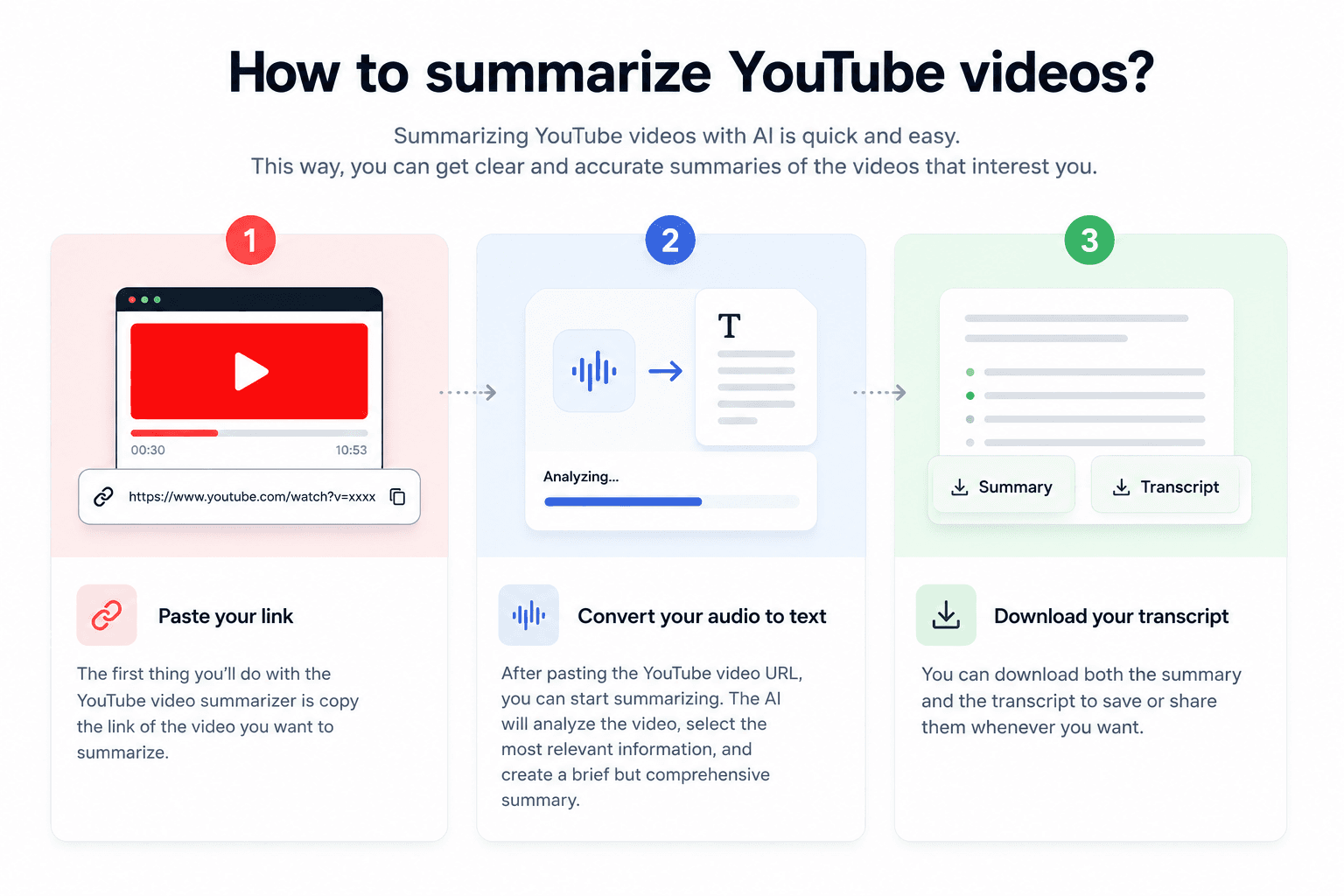
How it works
Copy the Facebook Link
On the video or Reel, tap Share, then Copy link.
We Fetch and Transcribe
We pull the audio from the public video and transcribe it with timestamps.
Read, Search, Export
Read and search the transcript, copy the text, and download TXT or SRT when your plan includes files.
Facebook video transcripts: what to expect
Facebook video transcript generator: paste a link
A public Facebook video or Reel link is all you need.
Facebook does not give viewers a transcript button for most videos. Copy the link from the Share menu, paste it above, and we transcribe the audio with timestamps.
My take: this is the quickest way to quote a public interview or turn a page's video into notes, without downloading the video first.
To remember: the video must be public. If you need to log in to watch it, a link cannot open it, so upload the file instead.
Links that work and links that do not
| Link | Works? |
|---|---|
| Public page video (facebook.com/.../videos/... or facebook.com/watch/?v=...) | Yes |
| Reel or share link (facebook.com/share/r/... or /share/v/...) | Yes |
| Private group or friends-only post | No: upload the file instead |
Paste any link: URL to textInstagram Reel transcriptsSubtitle generator
Frequently asked questions
Tap Share on the video, choose Copy link, paste the link here and click Get Transcript. The first 30 minutes are transcribed free without an account.
Links to public videos and Reels, including facebook.com/watch links and the facebook.com/share/v/... and facebook.com/share/r/... links from the Share button. Videos in private groups and friends-only posts cannot be opened from a link.
Yes. Download the transcript as SRT or VTT (with your first file on a free account, the Weekly Pass or a paid plan) and upload it to Facebook as a caption file, or paste the text into the post.
Yes. Without an account, the first 30 minutes of a video are transcribed free, up to 3 files a day. A free account transcribes up to 30 files a day, up to 30 minutes each, and its first file runs on the premium engine for up to 60 minutes.
99 languages with automatic language detection. You can also pick the spoken language yourself.