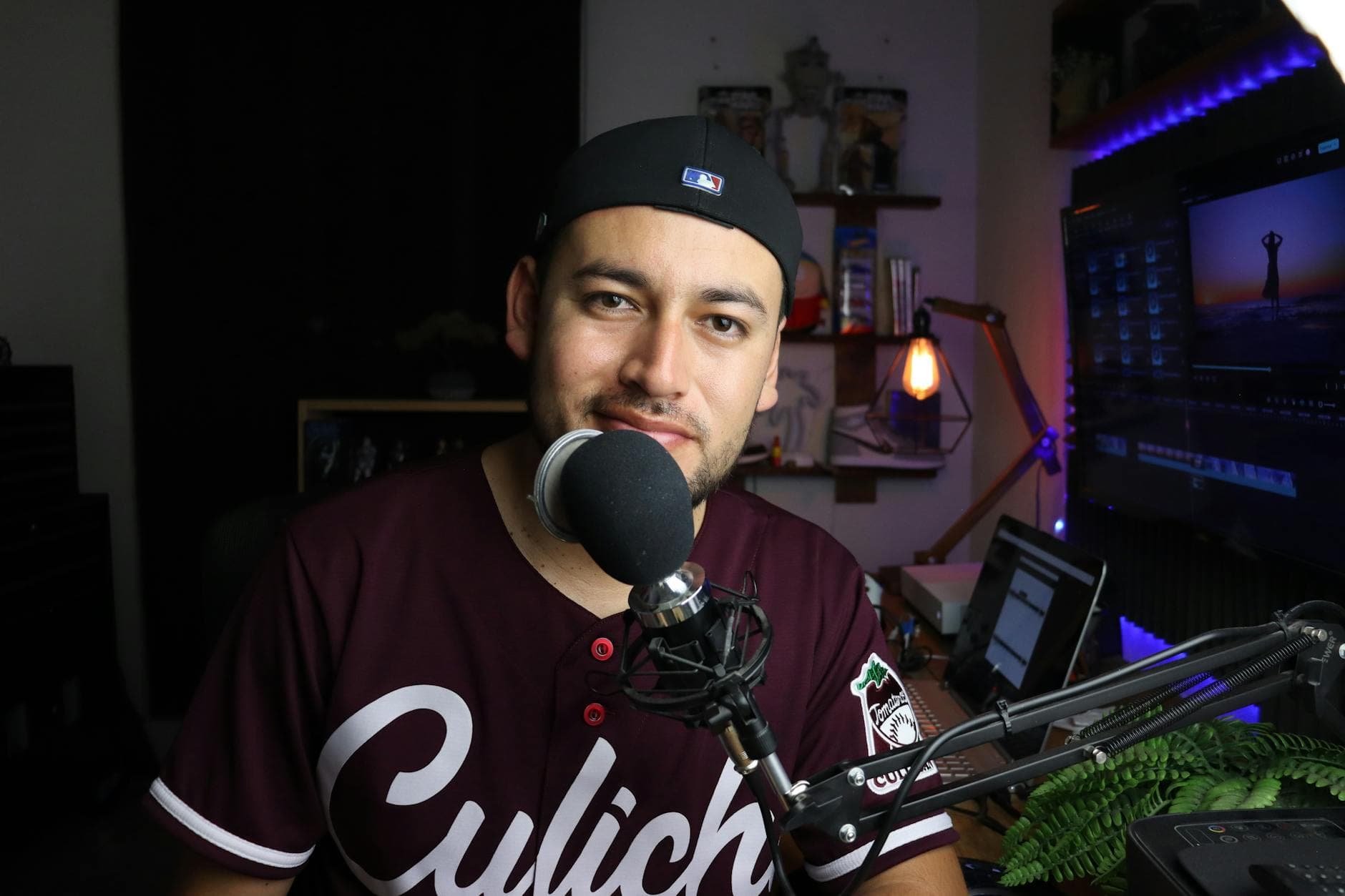
Add Video to Your Podcast: The YouTube Growth Playbook (2026)
Summarize this article with:
Adding video to your podcast turns YouTube's recommendation engine into a free discovery channel. With 42% of US monthly podcast listeners now preferring YouTube over Spotify and Apple Podcasts combined, audio-only distribution leaves the biggest audience on the table. This guide covers format choices, a practical production workflow, and the optimization moves that separate fast-growing video podcasts from ones that stall.
YouTube is now the single largest podcast platform in the United States, with 42% of monthly listeners preferring it over every other app, including Spotify at 15% and Apple Podcasts at 7% (Backlinko, citing Edison Research data through October 2025). If your show only lives in audio directories, you are skipping the platform where the majority of your potential audience already spends time.
The structural reason is simple: audio directories surface content to existing listeners. YouTube's recommendation engine surfaces content to people who have never heard of you. That is a fundamentally different growth dynamic, and it is why video podcasting is worth the added effort.
The Numbers Behind the Shift
YouTube crossed 1 billion monthly podcast viewers globally in early 2025, a milestone YouTube announced publicly. In the same period, the share of podcast shows publishing full video on YouTube reached 50.6%, up 130% since 2022. Video podcasts are already the mainstream production standard, not an experiment.
The engagement case is also clear. Video podcast viewers consume roughly 1.5x more content per session than audio-only listeners, and video formats report 50-70% higher engagement than audio-only equivalents. Among viewers who actively choose video, 71% cite a richer experience and 61% point to the value of seeing facial expressions and body language.
Gen Z skews this even further: 59% of listeners aged 12-34 consume podcasts on YouTube, and 30% describe themselves as watching "mostly video podcasts."
My take: these are not lagging indicators. A 68% year-over-year growth in the YouTube podcast audience (PodRewind, 2026 data) means the compounding effect is still in its early innings for most niches. Waiting another year raises your cost of entry.
Pick a Format You Can Sustain
The biggest production trap is choosing a format that requires more resources than you can reliably maintain. Here is how the options stack up, from lowest to highest production overhead:
| Format | Equipment needed | Engagement tier | Best for |
|---|---|---|---|
| Static image | None beyond existing gear | Low | Pure RSS feed distribution |
| Dynamic audiogram | Screen recording + short clip editor | Medium-low | Social teasers only |
| Remote video interview | Any webcam, Zoom or Riverside.fm | Medium-high | Most interview shows |
| Solo host to camera | Smartphone + window light + mic | High | Narrative and educational shows |
| Multi-camera studio | Dedicated cameras, lighting rig, switcher | Highest | Established shows, sponsorship tier |
The remote interview format (what most people call "the Zoom podcast") is the right starting point for interview-driven shows. It requires no studio investment, captures faces that drive CTR, and produces clips naturally from the conversation. Top shows built on minimal production, including many currently dominating their niches, prove that compelling guests and honest conversation outperform production budgets.
If you are a solo host, pointing your phone at yourself at a desk is enough to start. Castos' 2026 analysis of top-performing YouTube podcasts found the defining difference was whether a show was "built for video from the ground up" rather than adapted from audio, not whether it had a large production budget.
Before You Film: Transcribe First
The workflow that makes video podcasting sustainable starts before any camera is involved. Getting a clean, time-stamped transcript of your audio is the step that unlocks every downstream task: cutting clips by reading text instead of scrubbing timelines, pulling quote graphics for social posts, building keyword-rich YouTube descriptions, and generating accurate chapter markers.
If you record interviews on Zoom or any standard setup, you can upload the audio directly to ConvertAudioToText before editing and get a transcript with speaker detection back in minutes. That file then drives the rest of the production workflow.
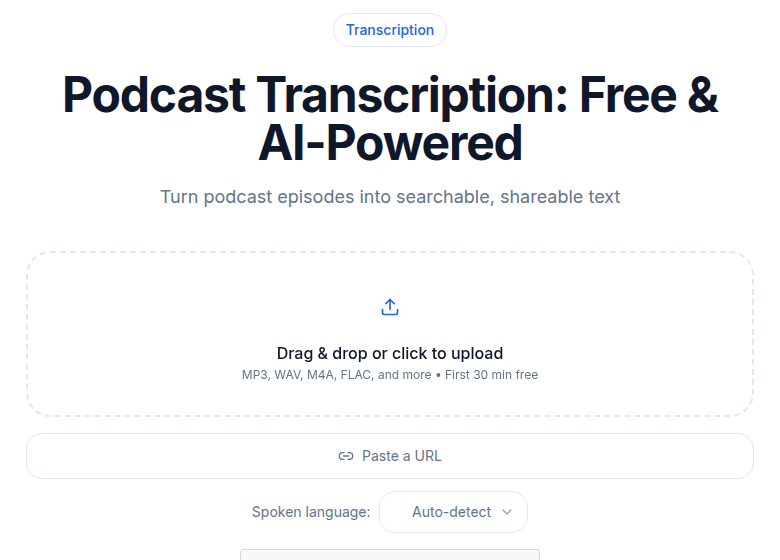 ConvertAudioToText podcast transcription tool
The transcript is also what makes your YouTube description do real SEO work. A description built from the actual spoken text is dense with natural language that matches how people search, and it gives YouTube's content analysis more signal to recommend your video accurately.
For a deeper look at how transcripts feed into caption generation for your clips, the subtitle generator tool handles the conversion without requiring manual timing work.
A Practical 5-Step Production Workflow
Step 1: Finalize and transcribe the audio
Before recording any video, lock your audio edit. Then run the finalized file through a transcription tool to get a time-stamped text file. This is your production blueprint.
Step 2: Set up a minimal but credible video rig
Good audio is load-bearing; good lighting is a multiplier. Record facing a window for natural light or use a basic LED panel. Keep your existing podcast microphone. A phone on a stand or a basic webcam at eye level is a serviceable camera. Do not let gear procurement delay your first upload.
Step 3: Record with clips already in mind
During recording, flag moments that will work as standalone clips by noting the rough timestamp. Castos' research recommends targeting 5-10 clips per episode as the "shoulder content" that drives discovery. If you notice a strong exchange or a quotable line, mark it in real time rather than hunting for it in post.
Step 4: Edit video using the transcript
Tools like Descript let you cut video by deleting text in the transcript view. Cut filler, tighten pacing, and identify your clip segments all within the same text document. Export the full episode at 1080p and export individual clips vertically (9:16 aspect ratio) for Shorts.
Step 5: Prepare the YouTube upload package
Before uploading, assemble three things: the thumbnail, the description with timestamps, and the title. These three elements determine whether the algorithm places your content in front of the right audience. The production work in Steps 1-4 is invisible to viewers. These three items are what they actually see.
Optimization Moves That Drive Actual Growth
Thumbnails are the first editorial decision viewers make
Research consistently shows thumbnails featuring faces showing genuine emotion increase CTR by 20-30% compared to designed graphic thumbnails. Three to five words of bold text maximum. High contrast between the subject and background. The mistake is using your podcast cover art, which is designed for a small square avatar, not a 1280x720 rectangle competing for attention in a feed.
Consistency across episodes also matters: visual branding cohesion across a channel has been correlated with CTR improvements up to 38%, because returning viewers recognize your content before reading the title.
Titles should answer a question, not describe a guest
"Episode 47 with Dr. Sarah Chen" is not a YouTube title. "Why your brain forgets names the moment you hear them" is. YouTube is a search engine. Every title is a bet on what a non-subscriber would type into the search bar. Pull the strongest claim or provocation from the transcript when writing titles.
Descriptions with chapters unlock two discovery surfaces
A description built from your transcript text signals topic relevance to YouTube's content analysis. Chapter timestamps, formatted as timecode followed by section title on separate lines, qualify the video for "Key Moments" in Google search results, which adds a second discovery surface outside YouTube. Research cited by ALM Corp and YouTube SEO practitioners shows chapters can increase average view duration by up to 11%.
Shorts as a discovery engine, not just promotion
Since October 2024, YouTube Shorts can be up to 3 minutes long (up from 60 seconds), which means natural clips from an interview, including exchanges that run 90-150 seconds, now qualify for the Shorts feed without trimming. The practical implication: clips you would previously have had to cut down to a quote now work at their natural length.
Data from multiple sources suggests clips in the 50-60 second range consistently outperform both very short clips (under 10 seconds) and clips over 90 seconds in terms of view-through rate. Cut to the sharpest possible exchange in that window. Add captions, since a significant portion of Shorts play without sound.
Each Short is a door into your main channel. Viewers who find a clip and follow through to the full episode generate exactly the cross-format engagement signal that accelerates YouTube's recommendations.
YouTube's RSS ingestion is worth knowing about
YouTube now accepts podcast RSS feeds directly through YouTube Studio, which auto-generates a static video from your cover art for each episode. This is not a replacement for video production, since a static image generates minimal engagement, but it is useful for ensuring new episodes appear on YouTube immediately for search indexing purposes even before a video version is ready.
The Cross-Format Loop
The growth pattern that compounds looks like this: full episode on YouTube with chapters and keyword-rich description, plus 5-10 Shorts per episode released across the following week. Viewers find a Short, subscribe, watch the full episode, YouTube notes the behavior, and recommends both formats to similar users more aggressively.
This loop does not start working immediately. YouTube's algorithm needs roughly 8-12 weeks of consistent data before recommendations noticeably accelerate. The cost of the loop is mostly time and a reliable production workflow, not equipment or ad spend.
If you want to see the common mistakes that derail this exact workflow before they happen to you, the sibling piece on adding video to podcast mistakes covers the specific errors that slow or kill the growth loop.
For a closer look at how transcription fits into podcast production more broadly, how to transcribe podcast episodes walks through the full workflow for different recording setups.
FAQ
How long does it take to see growth on YouTube after adding video?
Most podcasters see meaningful algorithm traction after 8-12 weeks of consistent weekly uploads. YouTube's recommendation system needs enough data points, watch-time signals, and click-through patterns before it starts surfacing your channel to new viewers. Publishing at least one full episode plus 3-5 short clips per week gives the algorithm more to work with and shortens that learning period.
Do I need a dedicated camera to start a video podcast?
No. A modern smartphone shooting at 1080p is enough for a credible debut. Viewers tolerate average video quality; they click away fast when audio is poor. Prioritize your existing podcast microphone and add a window or a cheap ring light before upgrading the camera.
Should podcast clips go on a separate YouTube channel or the main one?
Keep everything on the same channel. When viewers who find you through a Short watch your long-form episodes, YouTube records that cross-format engagement as a strong satisfaction signal. A split channel cuts that feedback loop in half and slows the algorithm's understanding of your audience.
How do I create timestamps for YouTube chapter navigation?
In your video description, type the timecode followed by a section title, for example: '00:00 Introduction' on its own line, then '03:20 The core argument', and so on. YouTube converts these into clickable chapters automatically. Research shows chapters can increase average view duration by up to 11%, and chapter titles also qualify your video for 'Key Moments' in Google search results.
Is audio quality or video quality more important for a podcast on YouTube?
Audio quality by a wide margin. Podcast audiences are conditioned to high-quality sound, so poor audio triggers an immediate exit regardless of how polished the visuals are. Keep your dedicated podcast microphone for all video recordings. Decent lighting is a bonus; clean audio is non-negotiable.
Sources
- Backlinko, "Podcast Stats" (citing Edison Research October 2025 data): https://backlinko.com/podcast-stats
- PodRewind, "Video Podcast Statistics 2026: YouTube Dominance and Visual Trends": https://podrewind.com/blog/video-podcast-statistics-2026
- Castos, "What Top Podcasts on YouTube Do Differently in 2026": https://castos.com/top-podcasts-on-youtube-2026/
- YouTube Blog, "Tall updates coming to Shorts" (October 2024 3-minute expansion): https://blog.youtube/news-and-events/tall-updates-coming-to-shorts/
- YouTube Help, "Deliver podcasts using an RSS feed": https://support.google.com/youtube/answer/13525207
- ALM Corp, "YouTube Chapter SEO": https://almcorp.com/blog/youtube-chapter-seo/
- Variety, "YouTube Says It Now Has More Than 1 Billion Monthly Viewers of Podcast Content": https://variety.com/2025/digital/news/youtube-2025-monthly-podcast-listeners-viewers-1236319232/
Try transcription free
Convert any audio or video to clean, unwatermarked text — speaker labels, timestamps, and AI summaries included. First 30 minutes free, no account.
Related Articles
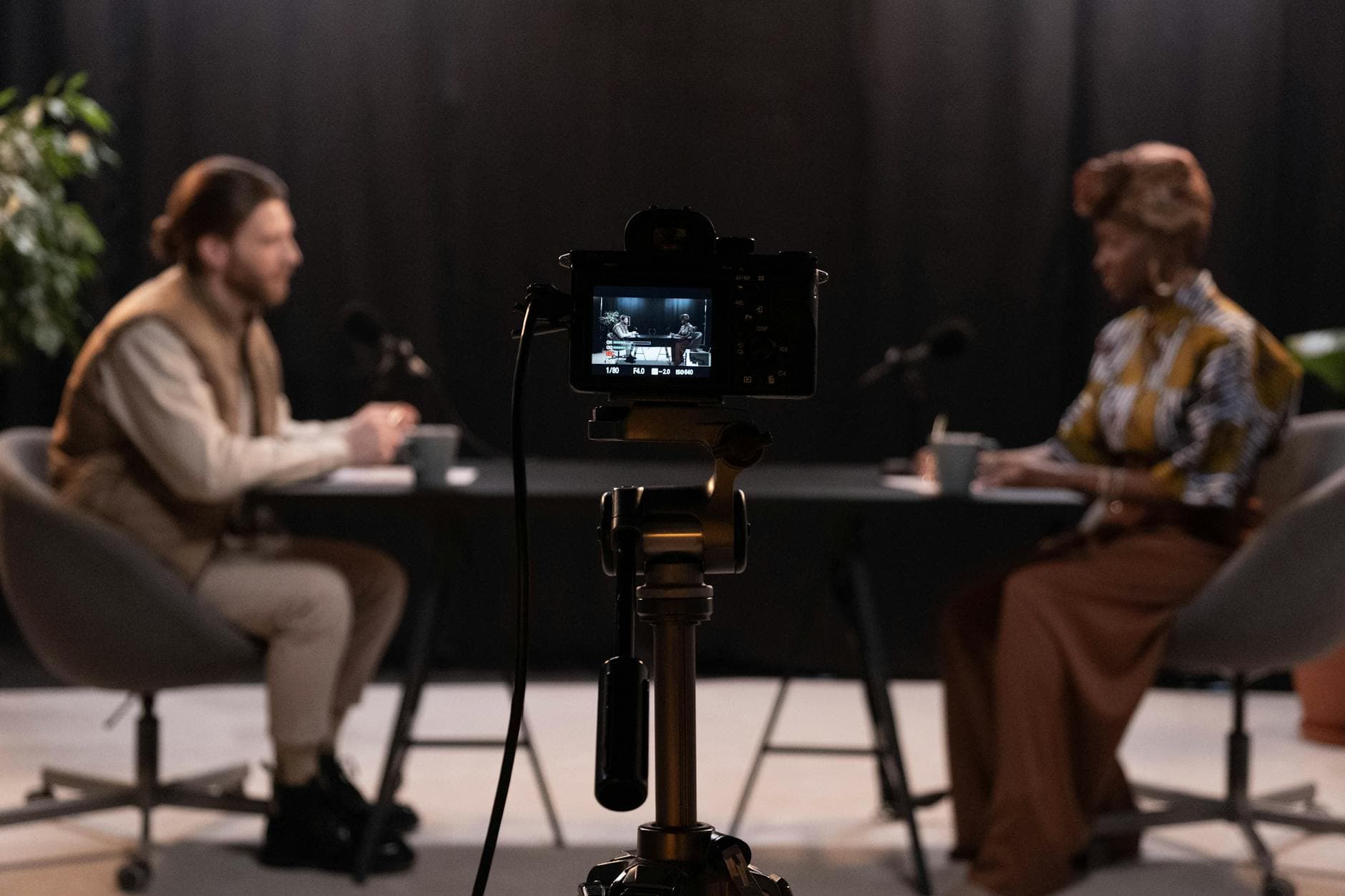
7 Mistakes That Hurt Your Video Podcast (And How to Fix Them)
Avoid the most common video podcasting mistakes in 2026: static images, missing captions, poor audio, and more. Practical fixes backed by real data.
Convert YouTube Videos to Text: The Repurposing Path
Paste a YouTube URL and get a formatted transcript in minutes. Four verified methods for converting YouTube videos to text, SRT, and repurposable content in 2026.