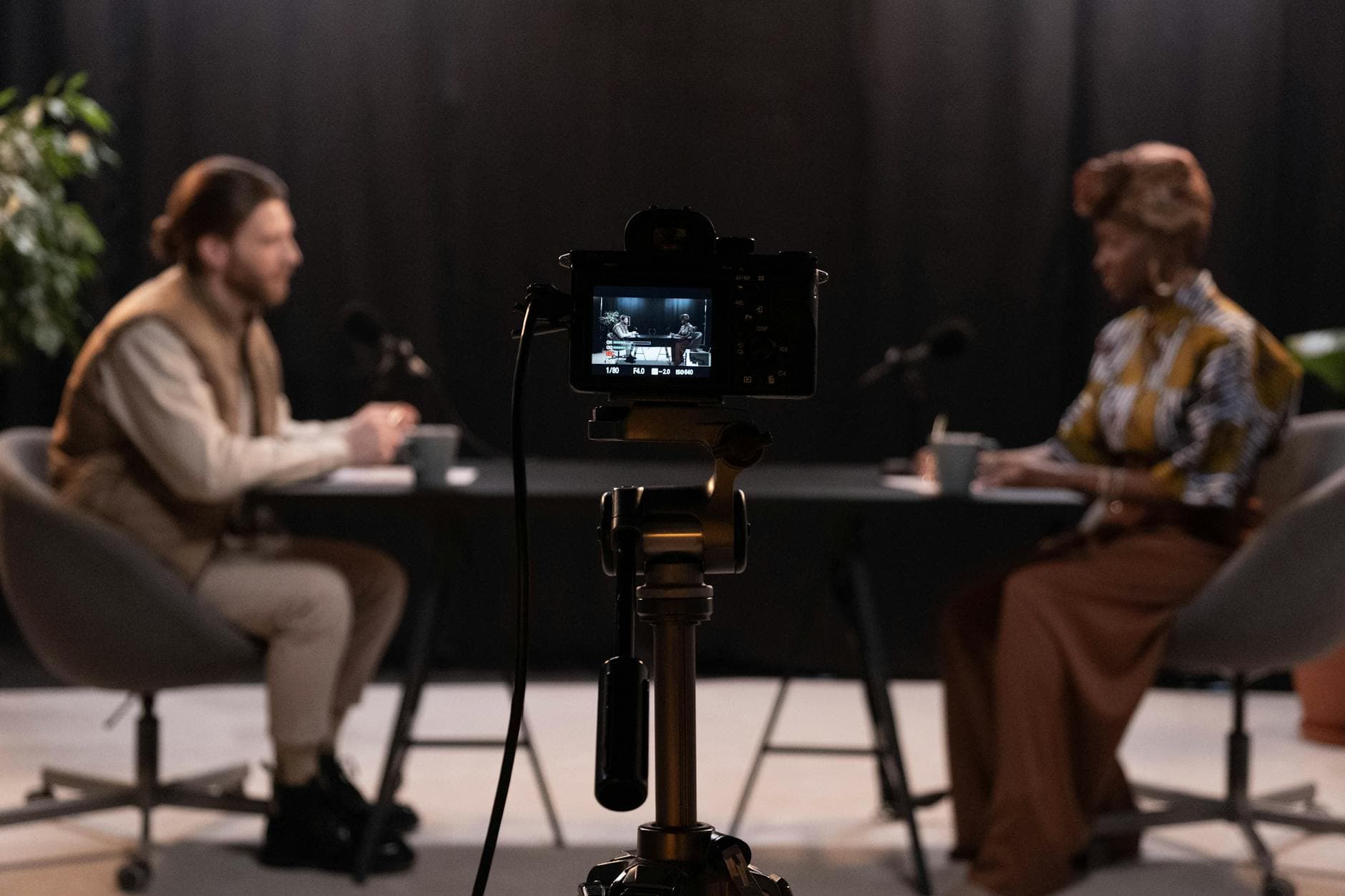
7 Mistakes That Hurt Your Video Podcast (And How to Fix Them)
Summarize this article with:
The Mistakes That Cost You
Adding video to a podcast sounds simple: put a camera on, keep recording. In practice, the mistakes are consistent and costly. Static images, missing captions, and poor audio all suppress the algorithmic reach that makes video worth the effort in the first place. Here is what to fix before those habits compound.
For the growth playbook, including platform strategy and promotion mechanics, see how to grow a podcast with YouTube video. This post is the pre-flight checklist: the things that quietly undo the work.
Mistake 1: Uploading a Static Image Instead of Video
Posting your audio over a still cover image is not a video podcast. Per Castos's analysis of YouTube podcast data, static-image uploads can lose 90-95% of their audience within the first 90 seconds as viewers click play expecting visual content and immediately leave. That abandonment rate signals to YouTube's algorithm that the content is not worth recommending, which compresses distribution further.
The evidence on real video is concrete: when NPR added studio footage to their Life Kit series, per episode views rose to 3,000, a 16x increase over the static-image version, according to Castos's reporting.
If you are not ready for a full camera setup, YouTube rolled out an audio-to-video generation feature in 2026 that creates animated waveforms and dynamic visuals from your audio file. It is not as strong as real talking-head footage, but it is far better than a still image. Use it as a floor, not a destination.
What to do instead
- Run at minimum a 1080p webcam framing your face. A decent webcam with good window light already outperforms most static-image uploads on retention.
- If recording remotely, use platforms that capture local video from each participant at source, so each person's feed is crisp regardless of their internet speed.
- If you go audio-only on YouTube for now, use the generate-video tool. Do not leave a static image.
Mistake 2: Neglecting Audio While Obsessing Over Visuals
Bad audio is more damaging than bad video, and it is the more common failure mode for new video podcasters. When creators switch to video, production attention shifts to cameras, lighting, and backgrounds. Audio setup that was already working gets deprioritized or disrupted by new gear, new room placement, or a microphone moved to fit a camera frame.
Per multiple podcasting production guides, listeners experience low-quality audio as cognitive effort. They do not consciously decide to leave; they just stop. The camera and lighting mean nothing if the audio makes people work to hear you.
My take: if your microphone sounds good on your audio feed, do not move it for the camera. Frame the camera around the microphone, not the other way around.
The fix for mistake 2
- Use your existing podcast microphone. Do not replace it with a webcam's built-in mic because the camera is now in the shot.
- Treat your room first. Soft furnishings, a rug, and a closed door do more than most acoustic panels. Echo is the fastest way to sound amateur.
- Monitor through headphones. Play back each recording before publishing. What sounds fine while you are presenting often sounds different on playback.
Mistake 3: Ignoring Captions on Clips and Full Videos
Skipping captions means quietly losing a majority of potential viewers. Per Rev's closed captioning data, over 70% of Americans now watch content with captions or subtitles enabled, and 80% of caption users have no hearing impairment. The expectation of captions is now default, not accessibility-specific. Separate research found viewers are 80% more likely to watch a video to completion when captions are available.
For short clips shared to Reels, Shorts, and TikTok, captions are non-negotiable. Most of those platforms autoplay without sound. Without text on screen, a viewer scrolling past has no reason to tap.
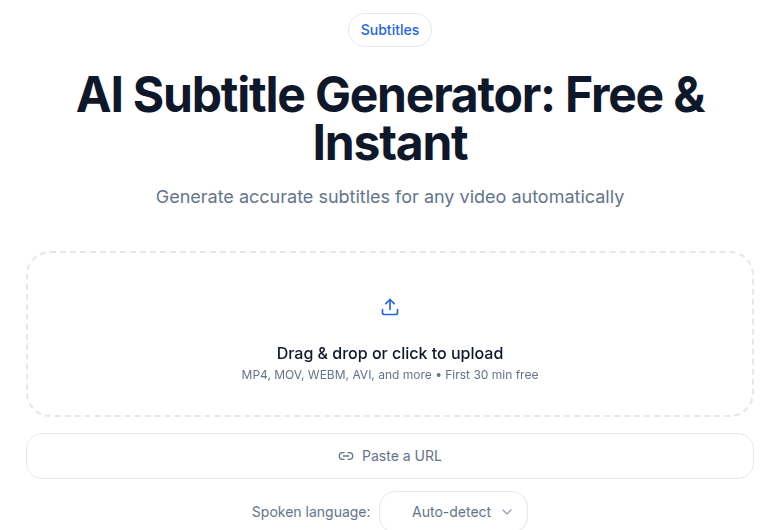 Subtitle generator tool for creating video captions
The fix for mistake 3
- Generate a transcript first, then use it as the source of truth for caption timing. AI transcription tools are fast and accurate enough for this workflow. If you want a quick transcript of a full episode before you start editing, ConvertAudioToText's podcast transcription tool handles long files without a sign-up requirement.
- Use a subtitle generator to burn or embed captions into clips before posting to social platforms. Burned-in captions on Reels and Shorts outperform platform-generated ones in most tests because they appear immediately, at your sizing and positioning.
- For the full YouTube episode, add captions via YouTube Studio or upload an SRT file. YouTube's auto-captions are often used as a starting point but are not accurate enough for a published episode without review.
For a deeper look at turning your podcast recording into a clean transcript efficiently, see how to transcribe a podcast episode.
Mistake 4: Treating the Camera as Passive
Recording your audio session with a camera running in a corner produces footage that gives viewers nothing extra. This is different from a static image, but only slightly. A fixed wide shot of a solo host at a desk for 60 minutes with no cuts, no movement, and no graphics has the same problem: no reason to watch instead of listen.
The 41% of podcast consumers who actively prefer watching video, per PodRewind's 2026 data, are expecting something that earns the watch: cuts between speakers, reaction shots, screen shares, or at minimum a dynamic speaking presence.
The fix for mistake 4
- For interviews, use two camera angles or two separate feeds: one on each speaker. Cut to whoever is talking. This is standard in any broadcast interview and it takes 10 minutes to set up with basic recording software.
- Use your podcast transcript to identify moments worth visualizing. If someone cites a statistic or names a product, cut to a screen share or graphic overlay for that segment. The transcript is the production assistant here.
- Batch record episodes back to back to make the setup-to-recording ratio worthwhile. One three-hour setup session covering four episodes is far more sustainable than four weekly setups.
Mistake 5: Optimizing Each Clip for the Wrong Platform
Uploading your full-length video to every platform in the same format is wasted effort. YouTube supports 60-minute conversations. TikTok favors 60 seconds. Instagram Reels has different performance patterns than YouTube Shorts. A one-size approach performs poorly everywhere.
50.6% of podcast shows now post full video content to YouTube, per PodRewind's 2026 data. But discoverability on YouTube comes primarily from short clips that introduce the show to new audiences, not from the full episode itself. The full episode is for people who already trust you.
The fix for mistake 5
- Publish the full episode to YouTube with an optimized title, description, and chapters based on your transcript.
- Cut 3-5 short clips (60-90 seconds each) from the episode's strongest moments. Your transcript is the fastest way to find those moments: search for numbers, surprising reversals, or direct advice.
- Add captions to each clip before posting to social platforms. See Mistake 3.
- Use the short-form clips as a discovery funnel with a clear verbal call-to-action linking to the full episode.
For more on turning recordings into YouTube content, see how to convert YouTube videos to text and transcribing podcast episodes.
Mistake 6: Underestimating the Time and Workflow Cost
Adding video to a podcast typically doubles production time. Many creators start strong and then drop to inconsistent publishing because the workflow was never designed to be sustainable. Inconsistency damages algorithmic growth more than slower overall quality.
The gear is rarely the bottleneck. The bottleneck is the edit, the export, the upload to multiple platforms, the caption file, and the thumbnail. If none of those steps have been templated or batched, the time per episode expands until it stops happening.
The fix for mistake 6
- Map your actual per-episode time cost before committing to a cadence. If the workflow takes four hours and you have six hours weekly for content, two episodes a month is more sustainable than four.
- Create a short set of editing templates in whatever software you use. DaVinci Resolve's free tier covers podcast video editing without a watermark or time limit, and the free version handles exports up to Ultra HD.
- Separate the transcript step. Getting your episode transcribed immediately after recording makes every other step faster: finding clips, writing the YouTube description, creating show notes, and reviewing captions.
Mistake 7: No Consistent Visual Identity
An inconsistent look across episodes trains new viewers not to stay. Backgrounds that change, thumbnails with no common visual thread, and varied lighting from episode to episode all signal that the show is not yet a defined product. On YouTube, a viewer who lands on your channel page forms a judgment from the thumbnail grid before they click anything.
This is not about expensive sets. It is about consistency.
The fix for mistake 7
- Lock in a background and stick to it. A bookshelf, a branded backdrop, or a simple flat wall in a color that fits your branding. Make it the same every episode.
- Design a thumbnail template. Same font, same layout, same color palette per episode. Batch-create thumbnails for several episodes at once.
- Frame your shot the same way each episode. Eye-level camera, consistent headroom, consistent distance from the lens. Once it is right, mark the chair and camera position so setup takes 30 seconds.
Common Questions
Do I need expensive equipment to start a video podcast?
No. A 1080p webcam, your existing podcast microphone, and a single ring light or window light are enough to produce watchable video. Budget setups in the $200-300 range have launched plenty of successful shows. Upgrade your audio first before spending on cameras.
How long should a video podcast episode be in 2026?
Full episodes on YouTube can range from 20 minutes to over an hour, and longer interviews often have strong absolute watch time even when percentage retention looks modest. The more important output is short clips of 60-90 seconds for discovery on Shorts, Instagram Reels, and TikTok. Captions on those clips are not optional.
Do captions really matter for podcast videos?
Per Rev's captioning research, viewers are 80% more likely to watch a video to completion when captions are available, and over 70% of Americans now watch content with captions or subtitles on. That figure includes many hearing viewers who simply prefer them. Skipping captions means losing viewers before they form a habit.
Can I post my audio podcast to YouTube without a camera?
You can, but a static image is no longer the way to do it. Per Castos's analysis, static-image uploads can lose 90-95% of their audience within the first 90 seconds as viewers click away expecting visual content. YouTube's 2026 audio-to-video generation tool, which creates animated waveforms and dynamic visuals from your audio file, is a better option than a frozen still.
Sources
- How YouTube Podcasts Work in 2026 - Castos, accessed 2026-07-02
- Video Podcast Statistics 2026 - PodRewind, accessed 2026-07-02
- Compelling Closed Captioning Statistics - Rev, accessed 2026-07-02
- The Rise of Video Podcasting: Statistics and Trends 2026 - Podbean, accessed 2026-07-02
- DaVinci Resolve Free Version - Blackmagic Design, accessed 2026-07-02
- Podcast Statistics 2026 - Riverside.fm, accessed 2026-07-02
Try transcription free
Convert any audio or video to clean, unwatermarked text — speaker labels, timestamps, and AI summaries included. First 30 minutes free, no account.
Related Articles
Add Video to Your Podcast: The YouTube Growth Playbook (2026)
How adding video to your podcast unlocks YouTube's discovery engine. Platform stats, format choices, workflow, and optimization tactics verified for 2026.
Spotify Transcript Extractor: How to Copy and Download Episode Text
Get a Spotify podcast transcript you can copy and download: paste a public episode link, 30 minutes free with no signup, TXT or SRT files on eligible plans.