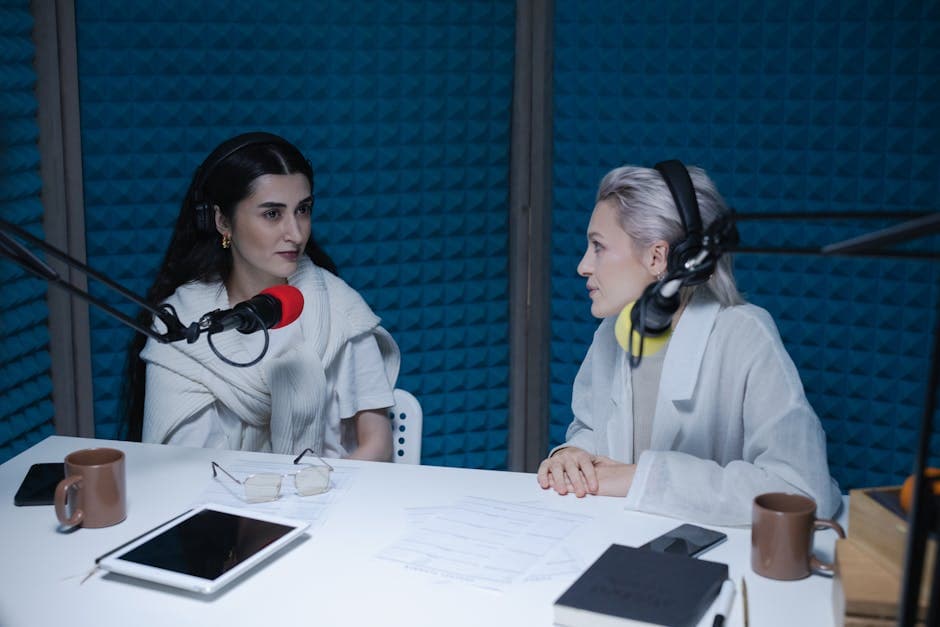
Best Transcription with Speaker Detection (2026)
Summarize this article with:
Who Labels Speakers Best
The most reliable speaker labels come from per-speaker recording or human review, not from any one AI brand. Among AI tools, diarization quality depends more on your audio conditions, speaker count, and overlap than on which platform you choose. That is what the 2026 benchmark data shows, and it is the honest starting point for picking a tool.
For most people, this ranking by tier matters more than a numbered list.
What Speaker Detection Actually Does
Speaker detection, also called speaker diarization, is the process of identifying which person spoke which words in a multi-speaker recording.
A raw transcript without diarization looks like:
Hi welcome to the show. Thank you so much. Tell me how you got started. So I started in 2018 when my dad...
The same transcript with diarization looks like:
Host: Hi welcome to the show. Guest: Thank you so much. Host: Tell me how you got started. Guest: So I started in 2018 when my dad...
For interviews, panels, podcasts, focus groups, and meetings, the second version is far more useful. You can extract specific speakers' quotes, count their talk time, or follow a conversation thread without hunting through a wall of text.
If you want a deeper look at how the underlying technology works, see our speaker diarization explained guide.
How Accurate Is AI Diarization in 2026
AI diarization is measured in Diarization Error Rate (DER). Lower is better.
Per 2026 benchmarks (Picovoice, pyannote.ai):
- Clean 2-speaker studio audio: DER around 4-8%, meaning roughly 92-96% of speech correctly attributed
- Meeting-room audio, 3-5 speakers, some overlap: DER climbs to 15-25%
- Hard audio (background noise, 6+ speakers, crosstalk): DER 30-40%
These numbers apply across all AI diarization tools. No vendor consistently outperforms the others by a wide margin on the same audio. What changes between tools is the feature layer on top: named-speaker training, editor workflows, multitrack import, and human-review options.
Tier 1: Guaranteed Speaker Labels (Human and Multitrack)
These approaches deliver near-perfect attribution regardless of AI accuracy limits.
Rev Human Transcription
No AI guessing: humans transcribe and manually label every speaker. Rev's human service charges $1.99 per audio minute (per Rev's support documentation, updated April 2026), with discounts for paid subscribers (3-15% depending on plan). Rush options start at $1.75/min for 5-hour delivery and $2.50/min for 1-hour delivery.
Turnaround is typically 12 hours standard. No cap on speaker count or audio difficulty. This is the choice for court depositions, medical documentation, and broadcast transcripts that will be published verbatim.
Rev also offers AI subscription plans (Free at 45 min/mo, Essentials at $25.49/mo, Pro at $47.99/mo billed annually) for faster, cheaper turnaround when human accuracy is not required.
Best for: Legal, medical, broadcast, anything where mislabeled attribution is genuinely costly.
Per-Speaker Recording (Platform-Agnostic)
The most underused trick: record each speaker on their own track, then transcribe each track separately with any tool.
Podcast platforms like Riverside, Zencastr, and SquadCast do this automatically. Hardware recorders like the Zoom H8 or Tascam DR-70D do the same for in-person setups. After recording, transcribe each track with any AI tool and merge transcripts by timestamp. Attribution is 100% by construction because each audio file contains exactly one speaker.
No price. No AI. No mislabeled lines. The only cost is planning ahead before you record.
Best for: Podcasts, research interviews, legal depositions where recording setup is under your control.
Tier 2: Named-Speaker AI (Learns Who Your Speakers Are)
Otter.ai
Otter names speakers by learning their voices across repeated meetings. Its "Speaker identification by name" feature, available on Pro and Business plans, attributes speech to named participants rather than generic Speaker 1, Speaker 2 labels. Per third-party testing, accuracy improves noticeably after 2-3 meetings with the same people.
Pricing (per Otter's pricing page, July 2026): Pro at $8.33/user/month billed annually ($16.99 monthly), Business at $19.99/user/month annually. Free plan includes 300 minutes/month with speaker ID but caps meetings at 30 minutes.
The limitation: Otter's diarization is primarily English-tuned and works less well for non-English audio. It is also a meeting-bot tool, not a file-upload platform, so pre-recorded files are handled as imports with fewer features than live meetings.
Best for: Teams that meet weekly with the same participants, where building speaker recognition over time pays off.
Tier 3: Automatic AI Diarization (Standard Speaker Labels)
These tools apply AI diarization without speaker training. They output "Speaker 1," "Speaker 2," and so on, and let you rename them manually in an editor.
Descript
Descript's "Speaker Detective" plays a clip of each speaker so you can name them immediately after processing. The feature handles up to 8+ speakers and is included in all paid tiers: Hobbyist at $16/month ($24 annually), Creator at $24/month ($35 annually), Business at $50/month ($65 annually), per Descript's pricing page.
The unique strength for podcasters: if you recorded each guest on a separate track, you can import multi-track audio and Descript applies labels per track. Attribution becomes deterministic, not probabilistic. This makes Descript the best AI option for properly recorded podcasts.
Creator plan transcription is capped at 10 hours/month per user. Pro at 30 hours/month.
Best for: Podcast production, especially with multi-track recordings.
Happy Scribe
Happy Scribe includes automatic speaker detection on all paid plans. Pricing in EUR: Basic at €17/month (€8.50/month annual), Pro at €29/month (€19/month annual), Business at €89/month (€59/month annual), per Happy Scribe's pricing page.
Human proofreading with perfect speaker labels is available as an add-on from €1.75/min (€1.66/min on Business), giving you the option to upgrade any file to human accuracy.
The platform supports 150+ languages and the diarization is language-agnostic since it works on acoustic voice features rather than language understanding. Good choice when you are transcribing non-English multi-speaker audio and want a human-review fallback.
Best for: Multilingual workflows, video subtitling, teams that want an AI-to-human escalation path.
Trint
Trint targets newsroom and journalism workflows. Speaker labels output as editable Speaker 1, Speaker 2 names in their editor, and the platform's Story Builder helps journalists organize quotes from different speakers into structured narratives.
Pricing: Starter at around $80/seat/month (7 files/month), Advanced at around $100/seat/month (unlimited files), per third-party sources. Trint does not publish a permanent free plan; a 7-day trial is available. The pricing is high relative to alternatives and is justified by team collaboration and editorial workflow tools.
User reviews note that similar-voiced speakers frequently get conflated, requiring manual correction. That is true of all AI diarization, but it comes up often enough in Trint feedback that it is worth flagging.
Best for: Newsroom teams and journalists who need editorial workflow tools alongside transcription.
Fireflies.ai
Fireflies focuses on meeting intelligence rather than general transcription. Speaker labels are included on Pro and above, and "speaker talk-time analytics" (who spoke for how long) is a Business-tier feature.
Pricing (per Fireflies' pricing page, July 2026): Free ($0, 400 min storage), Pro at $10/seat/month annually ($18 monthly), Business at $19/seat/month annually ($29 monthly), Enterprise at $39/seat/month.
There is no voice training to name specific speakers in advance. Attribution is automatic, and you rename speakers post-meeting. Fireflies shines for CRM integration and sales workflows where meeting data needs to flow into Salesforce or HubSpot, not for pure transcript quality.
Best for: Sales teams and RevOps workflows where CRM integration matters more than perfect speaker labeling.
ConvertAudioToText
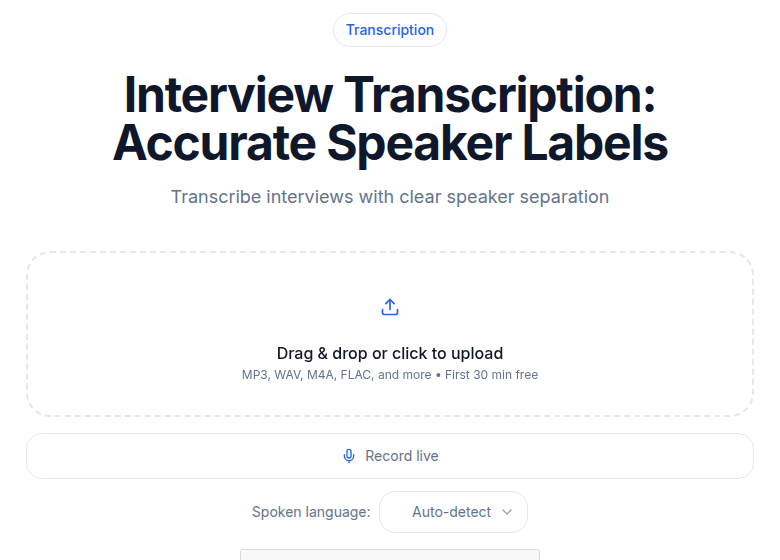 Interview transcription with automatic speaker labels on ConvertAudioToText
CATT applies automatic speaker labels to multi-speaker files without any configuration. Upload a file, get a transcript with Speaker 1, Speaker 2 already labeled, then rename them in the editor. No meeting bot required and no voice training. Speaker detection is included on every paid plan and on a new account's first file.
Free plan: the first file runs on the premium engine with speaker labels (up to an hour), then the account keeps transcribing free, up to 30 files a day, up to 30 minutes each. Without an account you get the first 30 minutes of any file free, up to 3 files a day. Pro: $14.99/month, or $99.99/year billed annually, unlimited. Business: $59.99/month, adds API access and webhooks.
My take: CATT is the fastest option for one-off interviews and podcast files where you do not have a recurring cast. You get speaker labels, timestamps, SRT/VTT export, and structured output in one step, without booking a bot to a meeting or configuring a workspace. The tradeoff is that it lacks Otter's named-speaker learning and Descript's multitrack import.
If you want to transcribe a recorded interview without setting up accounts or bots, upload audio directly at the interview transcription tool.
Best for: One-off interviews, journalism, podcasts without multi-track, content creators.
Tier 4: Self-Hosted (Free, Technical Users)
WhisperX + pyannote
Running WhisperX with pyannote.audio diarization locally is free and produces output comparable to commercial tools. The 2026 benchmark from Picovoice shows pyannote at 9% DER on VoxConverse (one of the standard test sets), which is on par with or better than many commercial APIs.
The requirements: Python environment, 8+ GB VRAM for fast processing, and comfort with command-line tools. Speed without a GPU is 2-4x real-time (slow). With a T4 GPU, processing runs faster than real-time.
Speaker count is configurable. Output is word-level JSON that you can post-process however you want.
Best for: Researchers, developers, privacy-sensitive workflows where audio must stay on-premises.
Diarization Quality by Audio Type
| Audio Type | Recommended Approach | Expected Result |
|---|---|---|
| 2-person podcast, separate mics | Descript multitrack import | Near-perfect |
| 2-person podcast, single mic | Any AI tool | Good (low DER on clean audio) |
| Weekly team meeting (same speakers) | Otter with named-speaker ID | Improves over time |
| 4-person panel, single mic | Any AI tool | Moderate, expect cleanup |
| 6-person focus group | Rev Human or per-speaker recording | Human-reviewed accuracy |
| Court deposition or medical audio | Rev Human | 99% per Rev's service guarantee |
| Multilingual audio | Happy Scribe or CATT | Diarization works; language detection varies |
| Phone interview (compressed audio) | Any AI tool | Worse than studio; plan for cleanup |
Comparison Table
| Tool | Speaker Labels | Named-Speaker Learning | Human Review Option | Pricing (per verified source) | Best For |
|---|---|---|---|---|---|
| Rev Human | Manual (perfect) | No | Yes (core product) | $1.99/min | Court, legal, medical |
| Otter Pro | Auto + named-speaker ID | Yes (tags, improves over meetings) | No | $8.33/seat/mo annual | Weekly team meetings |
| Descript Creator | Auto + Detective rename | No (multitrack = manual) | No | $24/mo annual | Podcast production |
| Happy Scribe Pro | Auto | No | Yes (add-on €1.75/min) | €29/mo (€19 annual) | Multilingual, video subtitles |
| Trint Starter | Auto | No | No | ~$80/seat/mo | Newsroom workflows |
| Fireflies Pro | Auto + talk-time analytics | No | No | $10/seat/mo annual | Sales meeting CRM |
| ConvertAudioToText | Auto | No | No | $14.99/mo | One-off interviews, podcasts |
| WhisperX + pyannote | Auto (configurable) | No | No | Free (self-hosted) | Technical users, privacy |
When AI Diarization Is Enough
For most use cases, automatic AI diarization is perfectly usable. You spend a few minutes renaming or correcting labels during your review pass and the transcript is ready.
Good fits for AI diarization:
- Podcast show notes (you know the speakers)
- Journalism Q&A write-ups (you verify quotes anyway)
- Internal meeting recaps (close enough)
- Research interview coding (analysts review before coding)
- Lecture transcripts (typically one dominant speaker)
For interview-heavy research workflows, see how to transcribe an interview recording for a full walkthrough.
When You Need More Than AI Diarization
Cases where AI accuracy is not sufficient:
- Court depositions (every attribution is on the record)
- Medical documentation (accuracy requirements and HIPAA implications)
- Academic publications citing direct quotes with speaker attribution
- Broadcast transcripts published verbatim
- Investigations where misattribution changes meaning
For these, use Rev Human, hire a court reporter, or ensure per-speaker recording from the start.
Per-Speaker Recording: The Underrated Shortcut
If speaker accuracy matters, recording each person on their own track is the highest-leverage intervention. It costs nothing if you set it up before the recording starts.
Tools that support per-speaker recording:
- Podcast platforms (Riverside, SquadCast, Zencastr): each guest records locally, tracks sync in the cloud
- Multi-track hardware recorders (Zoom H8, Tascam DR-70D): lavalier mic per speaker, separate channels
- Discord with Craig Bot: server-side per-speaker recording for remote group recordings
After the session, transcribe each track individually with any tool, then merge transcripts by timestamp. Speaker attribution is guaranteed because each file is one person.
For tips on improving podcast transcript quality from the start, see best transcription for podcasts 2026.
Languages and Diarization
Diarization works on acoustic voice features, not language content, so it is largely language-agnostic across modern tools. You get comparable speaker separation in French, Arabic, or German as in English, as long as audio quality is similar.
Two exceptions: Otter's named-speaker ID is English-tuned and works less reliably for non-English meetings. Multilingual code-switching (speakers alternating between two languages mid-sentence) confuses most models, because the speaker embedding model was trained on single-language audio.
For non-English multi-speaker content, Happy Scribe (150+ languages) and CATT (99+ languages) handle the combination reliably.
FAQ
What is the difference between diarization and speaker identification?
Diarization clusters speech into speaker groups and labels them "Speaker 1," "Speaker 2," etc. Speaker identification goes a step further and puts names to those groups. Otter does both with its named-speaker ID feature. Most tools do only diarization, leaving the naming step to a manual rename in their editor.
Can AI diarization handle unlimited speakers?
Most tools cap reliable diarization at 6-10 speakers. Beyond that, DER rises sharply because the clustering model has more groups to distinguish with less audio evidence per speaker. For panel discussions with many participants, plan for manual cleanup.
How does phone audio affect diarization accuracy?
Noticeably worse than studio or laptop microphone audio. Phone calls are compressed at 8 kHz, which cuts the high-frequency voice features that diarization models rely on. Expect significantly more errors on phone-dialed participants compared to the same speakers recorded locally.
What if two speakers have similar voices?
This is the hardest case for any AI diarization tool. Twins, close family members, and same-age same-gender speakers with similar vocal ranges often get conflated. The only reliable workaround is per-speaker recording from the start.
Is diarization worth the extra processing time?
Yes, for any multi-speaker audio. The extra processing time (typically 20-40% longer than transcription without diarization) is far less than the time required to manually label speakers across a 60-minute transcript. The edge case where it is not worth it: single-speaker recordings, where you are paying processing overhead for a feature you do not need.
Sources
- Otter.ai Pricing Page: https://otter.ai/pricing (checked July 2026)
- Rev Pricing Page: https://www.rev.com/pricing (checked July 2026)
- Rev Support Pricing Article: https://support.rev.com/hc/en-us/articles/18893487380365-Pricing (updated April 2026 per Rev)
- Descript Pricing Page: https://www.descript.com/pricing (checked July 2026)
- Happy Scribe Pricing Page: https://www.happyscribe.com/pricing (checked July 2026)
- Fireflies.ai Pricing Page: https://fireflies.ai/pricing (checked July 2026)
- Picovoice: State of Speaker Diarization 2026 (pyannote vs Falcon benchmarks): https://picovoice.ai/blog/state-of-speaker-diarization/
- ConvertAudioToText Homepage: https://convertaudiototext.com/ (checked July 2026)
Try transcription free
Convert any audio or video to clean, unwatermarked text — speaker labels, timestamps, and AI summaries included. First 30 minutes free, no account.
Related Articles
How to Transcribe Multiple Speakers and Label Them
Learn a practical workflow for transcribing audio with multiple speakers, assigning speaker labels, reviewing and exporting clean transcripts using CATT.

Fix Wrong Speaker Labels in Your Transcript (2026 Guide)
Speaker labels wrong after transcription? This diagnosis-led guide covers the five systematic fixes for diarization errors, from label renaming to tool switching and manual repair workflows.