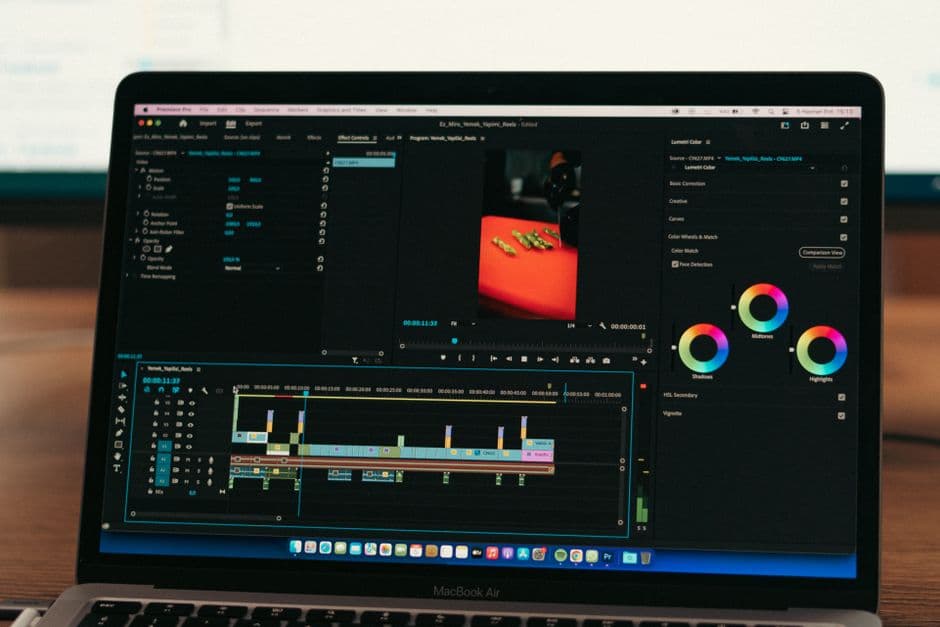
Subtitle Editor Comparison 2026: Pick by Workflow
Summarize this article with:
The right subtitle editor depends on your lane: Submagic for short-form social clips, Subtitle Edit 5 (free) or DaVinci Resolve for long-form and broadcast work, Veed for browser-based team edits, Premiere Pro if you already edit there, and Aegisub (free) for ASS styling and karaoke. If your real task is generating captions rather than fixing them, generate a clean SRT/VTT first; you may not need a dedicated editor at all.
Pick by Workflow
The right subtitle tool depends almost entirely on what you publish and how you get captions into your project. Short-form social creators, long-form editors, and broadcast teams each have a different best answer, and none of the six tools reviewed here is right for all three. This post maps each to its lane using verified 2026 specs.
One framing note before the tools: there is a difference between a subtitle generator (takes audio, produces a timed file via speech recognition) and a subtitle editor (takes a file, lets you fix timing, style, and export). Most workflows need both. That distinction drives the recommendations below.
The Short-Form Lane: Submagic
For creators publishing short-form video daily on TikTok, Reels, or Shorts, Submagic is the fastest end-to-end option. Drop in a clip, pick a caption style, export. The whole loop takes under two minutes for most content.
Submagic's pricing as of mid-2026 (monthly billing): Starter at $19/month covers 15 videos up to 2 minutes each; Pro at $39/month allows 40 videos up to 5 minutes; Business at $69/month covers up to 100 videos at up to 30 minutes. Annual billing reduces those prices by roughly 40%. A free tier exists but limits you to 3 videos per month at 1 minute 30 seconds each with a watermark.
Captions span 48 or more languages, and animation presets track current short-form trends. The credit system for AI features is the main friction: some operations deplete monthly credits faster than the plan description implies, and refill packs cost extra.
My take: Submagic earns its price for daily short-form publishing where turnaround matters. For longer content or tighter budgets, the workflow below works just as well.
The Long-Form Lane: Subtitle Edit 5 or DaVinci Resolve 21
Subtitle Edit 5
Subtitle Edit 5, released in June 2026, is the single biggest update to free subtitle tooling in years. Version 5 rebuilds the app on Avalonia UI, making it genuinely cross-platform: Windows, macOS (Apple Silicon and Intel), and Linux all get native builds for the first time. No Mono, no Wine workaround.
Feature-wise, SE 5 now spans both sides of the generator/editor divide. The built-in Whisper integration runs locally on your machine with no data upload, producing usable first-draft subtitles for most clear audio. Format support exceeds 250 types, including TTML for broadcast delivery. OCR handles image-based formats from Blu-ray and DVD rips. Auto-translate connects to Google Translate, Microsoft Translator, or DeepL.
A few caveats: the macOS build is the newest and least battle-tested. Whisper quality depends on the model size you run locally, and large models require real hardware. For complex ASS styling and animations, Aegisub still has more precise controls.
Price: Free, open source.
For long-form YouTube or podcast producers, the workflow that holds up well: generate a first-draft SRT file from your audio, then bring it into Subtitle Edit for timing cleanup, styling, and export.
DaVinci Resolve 21
Resolve 21 launched in final form June 2026, seven weeks after its NAB beta announcement. The free version is a full non-linear editor with capable subtitle track support. The Studio version ($295, one-time, includes all future updates) adds Voice to Subtitle for automatic captioning and the new AI Animated Subtitles feature, which highlights or animates spoken words in sync with the audio.
Speech-to-text in Studio supports 15 languages including English, French, Spanish, German, Japanese, Korean, and Mandarin. The free version requires you to bring your own subtitle file.
Price: Free version available. Studio version $295 one-time.
Resolve is the best choice for editors already doing color grading and finishing in the same project. The integrated timeline means captions stay locked to their edit point through recuts. For someone who only needs captioning and no other editing, the tool is heavy for the task.
The Browser-Based Lane: Veed
Veed works in any browser with no installation, which is its defining advantage. For small teams or occasional work where cloud collaboration via shareable links matters, it fits well.
Veed's free tier in 2026 caps auto-subtitles at 30 minutes per month, limits video length to 10 minutes, exports at 720p maximum, and adds a "Made with VEED" watermark. Paid tiers start at roughly $12/month on annual billing (Lite) and climb to around $24/month (Pro) for unlimited auto-subtitles. Translation is available but restricted even on paid tiers; verify the current minute allowance at veed.io before committing.
The SRT vs VTT format question comes up here: Veed exports both, but long-file performance is noticeably slower than a desktop app. A 60-minute podcast session in the Veed timeline has real latency. For short clips, it is fine.
The Professional Editing Suite Lane: Premiere Pro
If you are already cutting in Premiere, the 2026 caption workflow is good enough to stay there. Captions live as first-class timeline elements, they move with cuts, and burn-in happens at export without a separate step.
Premiere's native Speech to Text supports approximately 19 languages as of mid-2026. On clear audio, accuracy for English reaches 95 percent or above. For non-English content or noisy audio, accuracy drops and third-party plugins with dedicated models outperform the built-in engine.
Pricing for the single-app plan: $22.99/month on annual billing paid monthly, or $34.49/month on a month-to-month basis. The All Apps Creative Cloud bundle ($54.99/month) includes Premiere plus After Effects, Photoshop, and 20 other apps. Do not confuse the two price points.
If you are not already on Premiere for editing, its caption tools alone do not justify the subscription. Subtitle Edit 5 and DaVinci Resolve handle the same captioning work at lower cost.
The Power-User Lane: Aegisub
Aegisub is still the reference tool for complex subtitle styling, ASS animations, and karaoke effects. It is not for casual users, but there is nothing else at the same depth in the free tier.
Version 3.4.2 (January 2025) updated the project under TypesettingTools after a quiet period. The interface is dated by any modern standard, but the precision underneath it is unmatched: frame-accurate timing via audio waveform, Lua and Moonscript scripting for batch operations, and full ASS/SSA styling including per-character transforms and motion blur effects.
What Aegisub does not do: speech-to-text. You arrive with a timed file and edit from there. The workflow for most users is to generate an SRT upstream, import it, then use Aegisub for styling work the other tools cannot replicate.
Price: Free, open source.
The arch1t3cht feature fork carries extra fixes and additions that feed back into the official repo over time. If you are on Arch Linux, it is available from the AUR. For Windows and macOS, the official 3.4.2 release is the right starting point.
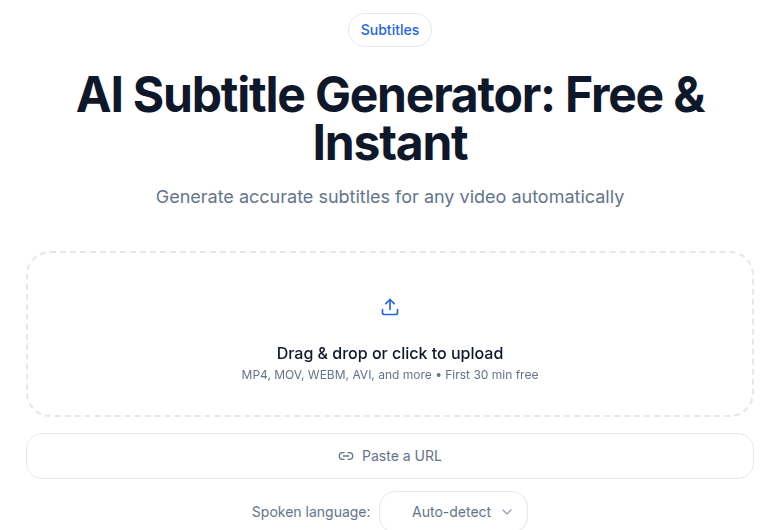 CATT subtitle generator producing an SRT file for downstream editing
Choosing the Right Starting File
Every editor in this post does better work when the source subtitle file is clean. Platform auto-captions from YouTube, TikTok, or Instagram run weaker models than dedicated transcription tools, and the accuracy gap is measurable. For non-English content especially, starting from a platform caption export and editing it costs more time than starting from a purpose-built transcription.
If you need a clean, timed SRT or VTT before editing, particularly for languages the big editors underserve, the CATT subtitle generator covers 99 languages and hands off a file that loads cleanly into Subtitle Edit, Aegisub, Premiere, or Resolve.
Comparison Table
| Tool | Type | Best Workflow | STT Languages | Price |
|---|---|---|---|---|
| Aegisub 3.4.2 | Editor only | ASS styling, animations, karaoke | None (bring your own) | Free |
| Subtitle Edit 5 | Generator + Editor | Long-form, format conversion, broadcast | Local Whisper (any model) | Free |
| Veed | Generator + Editor | Browser-based, light collaboration | 100+ | Free tier; ~$12-24/mo paid |
| Premiere Pro | Editor + Generator | Already-Premiere video editors | ~19 | $22.99-$34.49/mo |
| DaVinci Resolve 21 Studio | Editor + Generator | Color-finishing, long-form | 15 | $295 one-time |
| Submagic | Generator + Editor | Daily short-form social | 48+ | $19-$69/mo |
Workflow Recommendations
Short-form social (TikTok, Reels, Shorts daily): Submagic if budget is not the constraint and turnaround is. For a lower-cost alternative with similar quality, generate from CATT and style in a free video editor.
Long-form YouTube, podcast, or documentary: Generate a first-draft transcript, export as SRT, import into Subtitle Edit 5 for cleanup and styling. For burning subtitles into the final video, either Subtitle Edit's burn-in or Resolve's export timeline both work cleanly.
Multi-language content: Subtitle Edit 5 with local Whisper handles the generation step and connects to DeepL or Google Translate for target languages. Review the output rather than trusting machine translation directly. The subtitle translation workflow post covers this in detail.
Broadcast and OTT delivery: Subtitle Edit 5 for TTML conformance; it supports more broadcast formats than any other tool in this list. Resolve Studio is the editing suite of choice if you are in that ecosystem.
Budget-constrained, any platform: Subtitle Edit 5 and Aegisub are both free and cover the full range from basic editing to complex styling. Subtitle Edit 5 is the right starting point; Aegisub is for when SE's styling controls are not enough.
What No Longer Makes Sense in 2026
Two habits worth retiring:
Starting captions from scratch by hand. AI accuracy on clear audio is high enough that hand-typing only makes sense when the audio is too noisy or distorted for any recognizer. For ordinary speech, editing an AI-generated draft is faster.
Relying on platform auto-captions as a finished product. Platform captions are adequate for basic accessibility but lag behind dedicated tools in accuracy, especially on non-English or accented speech. The subtitle styling best practices guide covers what a reviewer should check before publishing.
Common Questions
What is the difference between a subtitle editor and a subtitle generator?
A generator takes audio or video as input and produces a timed subtitle file using speech recognition. An editor takes that file and lets you adjust timing, fix errors, change styles, and export to different formats. Most workflows need both: a generator at the front, an editor for cleanup. Subtitle Edit 5 now does both; Aegisub does only editing.
Is Aegisub still actively maintained in 2026?
Yes. After a quiet period, Aegisub returned with version 3.4.0 in December 2024 and 3.4.2 in January 2025 under the TypesettingTools organization. The arch1t3cht feature fork also received fixes through early 2026. It is not abandoned, though it still lacks any built-in speech-to-text.
Does Subtitle Edit run on Mac now?
Yes, starting with version 5.0, released June 2026. The v5 rebuild uses Avalonia UI and ships native builds for Windows, macOS (Apple Silicon and Intel), and Linux, with no Mono required. The Mac build is newer than the Windows version and still less battle-tested, but it is a genuine native app, not a workaround.
What is the best free subtitle editor in 2026?
For editing and format conversion on any platform: Subtitle Edit 5 (now cross-platform). For power users doing complex ASS typesetting or karaoke: Aegisub. For browser-based light use: Veed's free tier, though it caps auto-subtitles at 30 minutes per month and adds a watermark to exports. DaVinci Resolve's free version handles subtitles but reserves Speech to Text for the Studio (paid) version.
Sources
- Aegisub official site
- Aegisub 3.4.0 release announcement
- arch1t3cht/Aegisub releases
- Subtitle Edit 5 - What's New
- Subtitle Edit releases on VideoHelp
- VEED.IO pricing page
- Submagic pricing page
- DaVinci Resolve Studio page - Blackmagic Design
- DaVinci Resolve 21 final release - PetaPixel
- Adobe Premiere Pro plans and pricing
- Premiere Pro Speech to Text - Adobe Help
Try transcription free
Convert any audio or video to clean, unwatermarked text — speaker labels, timestamps, and AI summaries included. First 30 minutes free, no account.
Related Articles

6 Best Free Subtitle Generators in 2026 (Free Tiers Verified)
The genuinely free subtitle generators in 2026 with every cap verified: exports, watermarks, and length limits stated.
Best Transcription for Podcasts in 2026: Honest Tool Guide
The transcription tools that fit podcasters: long files, speaker labels, exports. Ranked honestly by use case with verified pricing.