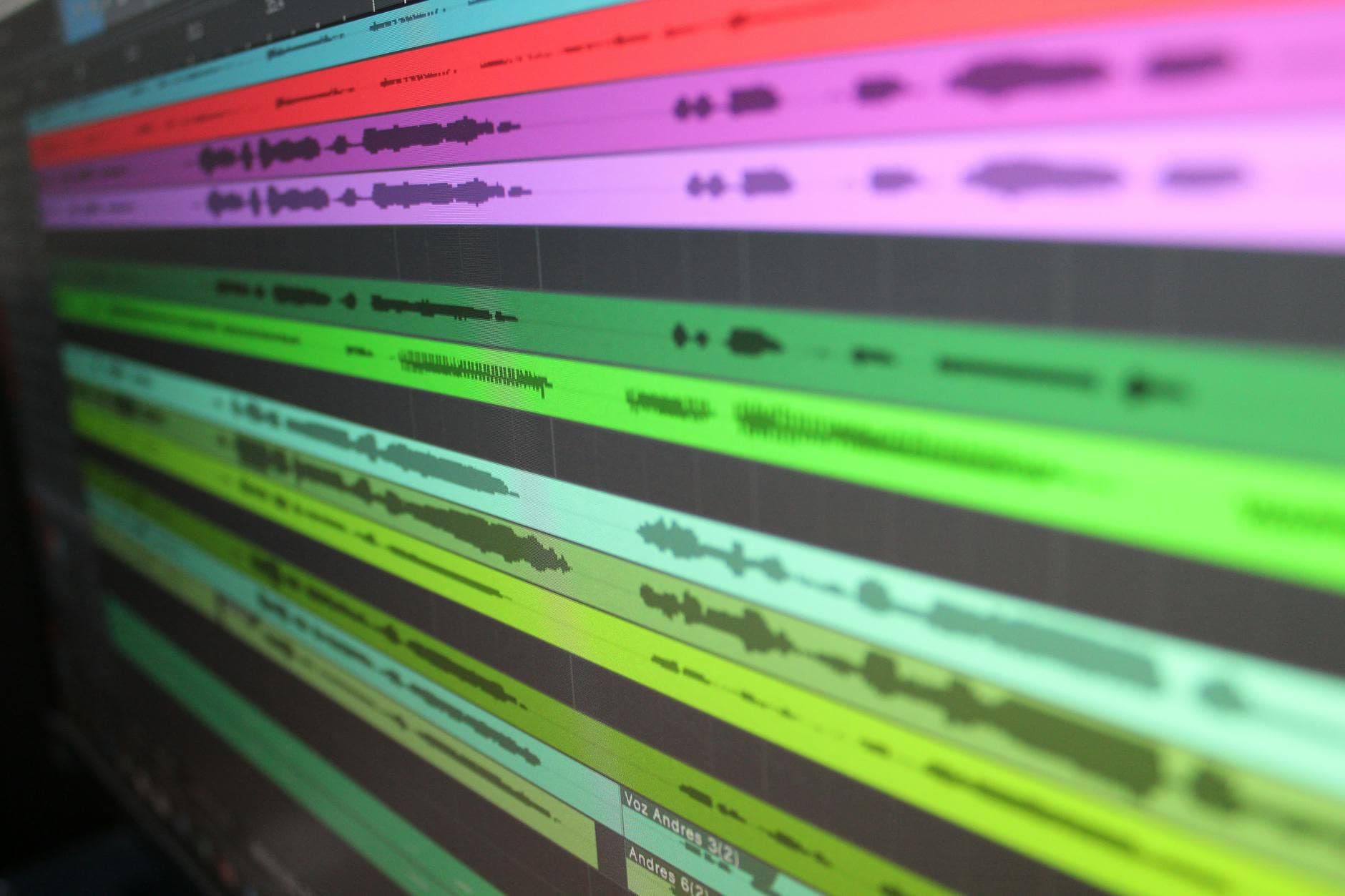
AI Audio Editing for Creators: The 2026 Landscape
Summarize this article with:
AI audio editing in 2026 covers three distinct jobs: text-based editing (cutting audio by editing a transcript), automated enhancement (noise removal, leveling, filler-word cleanup), and voice correction (typing new words in your own voice). Each job has a different best tool. Knowing which problem you are solving saves both money and setup time. This guide maps the landscape, verifies current pricing, and shows where a clean transcript fits into the edit loop.
AI audio editing means using machine learning to automate the mechanical parts of post-production: cutting mistakes, removing noise, balancing levels, and correcting mis-spoken words. That is three separate jobs, and the tools that do each one well are not the same tool.
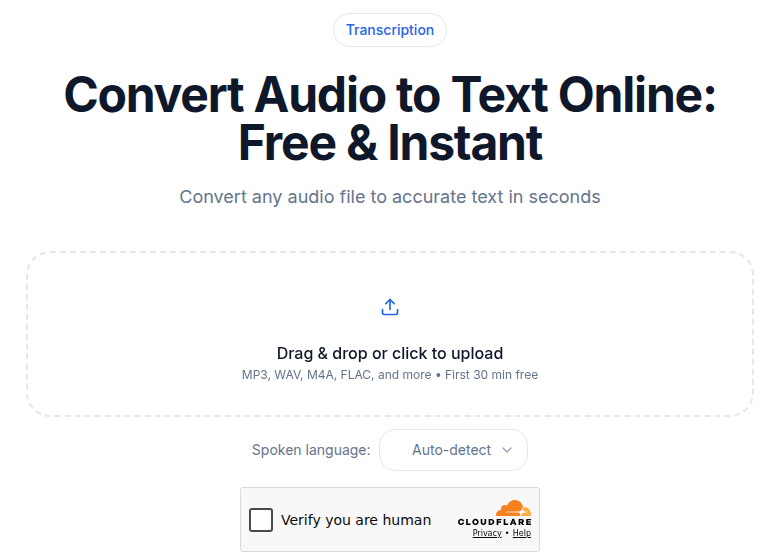 The transcript is the edit map: text-based cutting starts with a clean upload
The Three Jobs AI Actually Does Well
Before choosing software, it helps to know which of these you are buying:
Text-based editing transcribes your recording and links every word to its position on the timeline. Delete a sentence in the transcript, and the audio cut happens automatically. This is the fastest path through spoken-word content.
Automated enhancement runs signal processing after the fact: noise reduction, loudness normalization, de-essing, filler-word removal. You feed the tool a file and it returns a cleaner file.
Voice correction (Overdub-style) trains a synthetic model of your voice so you can type a corrected word and have the AI speak it. Useful for fixing a factual error without re-recording.
Most creators need all three at some point, but rarely from a single tool.
Text-Based Editing: Descript
Descript is the most-cited text-based editor for podcast and video production. It transcribes your media, renders the transcript as an editable document, and maps every deletion back to the audio timeline. You can remove filler words with one click, cut a rambling tangent by highlighting the paragraph, or reorder segments by moving text blocks.
If the edit-by-text mechanic is the only part you need, our free Descript alternative runs it in a browser tab with no account, no install and no upload. It covers cutting by deleting words and removing the English filler sounds, and nothing else in this section: no multi-track video, no voice cloning, no screen recording.
Descript's AI voice cloning feature, Overdub, is available on every paid plan. You record roughly ten minutes of training audio, wait 24-48 hours for the model to build, and from then on you can type corrections that the AI speaks in your voice. The verbal-consent step during setup is enforced: the tool will not clone a voice without an explicit recorded agreement.
Pricing verified against descript.com/pricing on 2026-07-02:
| Plan | Price (monthly billing) | Price (annual billing) | Media hours/mo |
|---|---|---|---|
| Free | $0 | $0 | 1 hr |
| Hobbyist | $24/mo | $16/mo | 10 hrs |
| Creator | $35/mo | $24/mo | 30 hrs |
| Business | $65/mo | $50/mo | 40 hrs |
The hours cap counts all media you import for transcription, not just what ends up in the final cut. A two-hour raw interview eats two hours from your quota even if the finished episode is 40 minutes. That is the hidden cost to plan around.
My take: Descript fits creators who produce primarily spoken-word content and want editing to feel like word processing. If you are doing music-heavy production or need precise waveform control, it is the wrong tool.
For a deeper look at how transcription feeds into editing generally, see how to transcribe an interview recording and the transcription for audio editors guide.
Automated Enhancement: Adobe Podcast, Auphonic, and Cleanvoice
These tools operate differently. You upload a finished or rough-cut file; the AI processes it; you download something cleaner.
Adobe Podcast Enhance Speech
Adobe's browser-based enhance tool is the fastest zero-setup option for noise removal. Upload a file, wait a few minutes, download a .wav with background hiss, room echo, and hum reduced. It processes locally in the browser for shorter files; longer files queue server-side.
The free tier allows one hour of enhancement per day with files up to 30 minutes and 500 MB. The Premium plan ($9.99/month or $99.99/year, verified at podcast.adobe.com/en/plans) adds video support, bulk uploads, adjustable strength controls, and a 4-hour daily limit with 1 GB file size support.
One important caveat from recent user reports: the v2 model tends to over-process at full strength, introducing a slightly artificial texture to vocals. Starting at 30-50% strength and working up gives more natural results. Premium users have access to the slider; free users do not.
Auphonic
Auphonic is the right choice when loudness compliance matters. Podcast platforms and broadcast standards specify exact LUFS targets; Auphonic's Adaptive Leveler hits those targets automatically while also balancing level differences between multiple speakers and ducking music under speech.
Free tier: 2 hours of audio processing per month (includes a jingle on output). Paid plans start at $11/month for 10 hours, scaling up to $49/month for larger volumes, verified at auphonic.com.
Auphonic also handles watch folders and batch processing for producers publishing on a regular schedule: drop a file in a folder and the normalized, leveled output appears in a connected destination (Libsyn, SoundCloud, and others).
Cleanvoice
Cleanvoice focuses specifically on removing the sounds humans make around words: filler words ("um," "uh," "like"), mouth clicks, breath sounds, and prolonged silences. It supports over 20 languages for filler detection. Verified pricing at cleanvoice.ai/pricing:
| Option | Cost | Per-hour rate |
|---|---|---|
| 5 hrs pay-as-you-go | $11 | $2.20/hr |
| 30 hrs pay-as-you-go | $45 | $1.50/hr |
| 10 hrs/mo subscription | $11/mo | $1.10/hr |
| 30 hrs/mo subscription | $30/mo | $1.00/hr |
| 100 hrs/mo subscription | $90/mo | $0.90/hr |
Unused subscription credits roll over for up to three months. The free trial gives 30 minutes at no charge, no credit card required.
The minimum billing is 1 minute per job, rounded up. A 10-minute-20-second file bills as 11 minutes.
Where Transcription Fits in the Edit Loop
Text-based editing depends entirely on the quality of the underlying transcript. A word that is misrecognized cannot be deleted from the right place; a speaker label that is wrong creates confusion when you are cutting a two-person interview.
The transcript is the foundation of the whole workflow. That makes transcription accuracy the first variable to get right, not an afterthought.
If you just need a clean transcript to feed into Descript or to prepare your own edit list, ConvertAudioToText handles audio and video uploads with no setup. Drop in a file, get a transcript with speaker detection you can read right away, and with a free account copy directly into your editor or use to generate subtitles from the same source. It is a narrower tool than Descript, but it is fast and it does not meter your usage against an editing-software subscription.
For a comparison of transcription accuracy across providers, see transcription accuracy explained.
Comparing the Landscape
| Tool | Primary job | Free tier | Starting paid price |
|---|---|---|---|
| Descript | Text-based editing + voice cloning | 1 hr media/mo | $16/mo (annual) |
| Adobe Podcast Enhance | Noise/echo removal | 1 hr/day, 30 min/file | $9.99/mo |
| Auphonic | Loudness normalization + leveling | 2 hrs/mo | $11/mo |
| Cleanvoice | Filler words + mouth sounds | 30 min trial | $11 (5 hr pay-as-you-go) |
| Riverside.fm | Recording + AI enhancement + transcription | Limited recording | $15/mo (annual) |
No single tool handles all three jobs at a price that makes sense for every creator. A solo podcaster doing one hour per week can stay on Descript Hobbyist and Adobe Podcast's free tier together for under $16/month. A daily-show producer will outrun both free tiers and the per-hour math on Cleanvoice quickly.
Building Your Own Stack
Here is how the tools connect in practice:
Step 1 (Capture): Record in a treated space when possible. Even the best AI denoise tools work better when the raw noise floor is lower.
Step 2 (Transcription): Generate your transcript immediately after recording. If you are going into Descript, its built-in transcription covers this. If you are using a different editor or building an edit list separately, transcribe the file first via a dedicated tool.
Step 3 (Content edit): Use the transcript to cut structure: remove tangents, false starts, and repeated takes. In Descript, this happens directly in the doc. In other editors, the transcript is your map for manual waveform cuts.
Step 4 (Technical cleanup): Once the content edit is locked, run enhancement. Auphonic for loudness; Adobe Podcast for noise; Cleanvoice for filler residue. Order matters: run denoise before loudness normalization, not after.
Step 5 (Correction): If a word is wrong and you did not catch it before the content edit, Overdub in Descript lets you fix it by typing. This step is optional and only applies if you trained a voice model.
This order avoids a common mistake: running noise reduction on a raw file, then re-editing the enhanced version and introducing new cuts that expose untreated audio at the edit points.
For podcast-specific transcription decisions, see best transcription for podcasts. For a wider view of AI audio enhancement tools, the landscape piece covers options beyond the editing context.
FAQ
What is AI audio editing?
AI audio editing is the use of machine learning to automate post-production tasks: cutting audio by editing a transcript, removing background noise, balancing loudness, and correcting mis-spoken words without re-recording. It replaces or accelerates work that previously required manual waveform editing.
Is text-based editing better than traditional waveform editing?
For spoken-word content, text-based editing is faster because finding a moment to cut is easier in text than by scanning a waveform. It is not better for music, sound design, or audio where the content is not speech. Most serious producers use both depending on the stage of the edit.
Does AI noise removal degrade audio quality?
It can. Over-processing is the main risk, especially with Adobe Podcast v2 at full strength. The best results come from starting at lower strength settings and increasing until the noise is acceptable without making the voice sound synthetic. Pre-recorded content with moderate noise tends to respond better than highly reverberant rooms.
How does Descript Overdub voice cloning work?
You record a training script of roughly ten minutes of speech, submit it to Descript, and the model builds over 24-48 hours. From then on, typing a correction in the transcript generates synthesized audio in your voice. Descript requires verbal consent during setup and does not allow cloning another person's voice.
Do I need separate tools for transcription and editing?
Not always, but often. All-in-one tools like Descript include transcription, but their subscriptions meter transcription hours against your plan limit. If you transcribe long raw recordings before editing them down, a dedicated transcription tool can preserve your editing-tool quota for the work only that tool can do.
Sources
- Descript pricing: https://www.descript.com/pricing (verified 2026-07-02)
- Adobe Podcast plans: https://podcast.adobe.com/en/plans (verified 2026-07-02)
- Adobe Podcast Enhance Speech v2: https://podcast.adobe.com/en/enhance-speech-v2 (verified 2026-07-02)
- Auphonic features and pricing: https://auphonic.com/ (verified 2026-07-02)
- Cleanvoice pricing: https://cleanvoice.ai/pricing/ (verified 2026-07-02)
- Krisp pricing: https://krisp.ai/pricing (verified 2026-07-02)
Try transcription free
Convert any audio or video to clean, unwatermarked text — speaker labels, timestamps, and AI summaries included. First 30 minutes free, no account.
Related Articles
Advanced ChatGPT Prompts for Better Answers From Transcripts
A practical pattern library for getting better answers from ChatGPT when working with transcripts. Real templates, honest assessment of what the research shows.
AI Audio Enhancement in 2026: What It Does and When to Use It
A practical landscape of AI audio enhancement in 2026: noise reduction, dereverb, EQ normalization, and the tools that handle each category well.