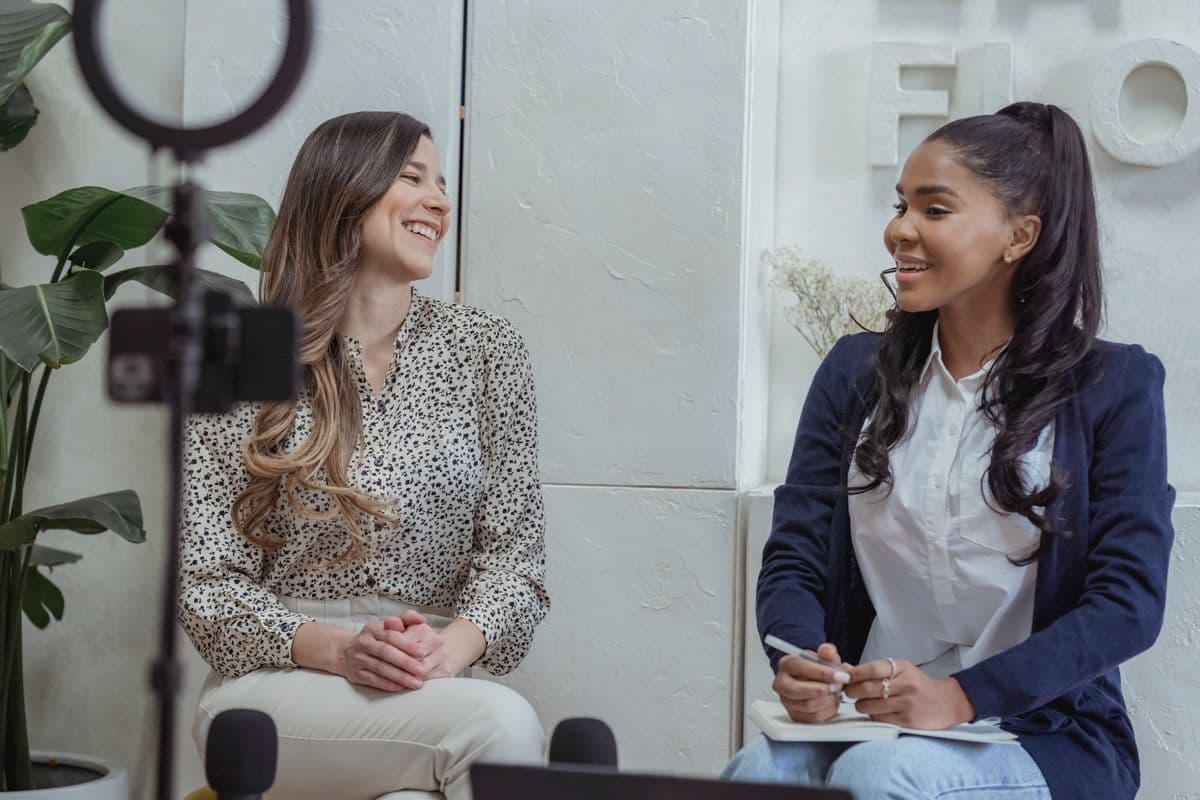
Recording In-Person Interviews for Clean Transcripts
Summarize this article with:
The biggest accuracy lever for interview transcription is not the software you use, it's how you place the mic. Two lavaliers on separate tracks beat any single-track setup for speaker separation. Aim for peaks between -12 and -6 dB, always run a backup recording, and get verbal consent on tape before you start. A $300-400 kit handles every scenario from a quiet office to a crowded conference floor.
Clean mic placement beats every software trick available. A well-recorded 90-minute interview uploads, transcribes, and returns a speaker-labeled transcript in a few minutes. A poorly recorded one means hours of cleanup regardless of which AI you use. This guide covers the specific setups that work, with gear that is actually available in 2026.
Why In-Person Recording Is Different from Studio Work
You do not control the room. Interviews happen in coffee shops, hotel lobbies, offices with open-plan noise, conference floors, and cars. You have maybe ninety seconds to set up before your subject gets self-conscious about the equipment.
The real constraints:
- Variable noise you cannot reduce
- Subjects who move, shift, or lean away
- A hard time window (usually 30-60 minutes)
- A comfort threshold: visible gear makes people speak differently
The good news: modern AI transcription is forgiving of imperfect audio when the fundamentals are right. The fundamentals are consistent close-mic distance and clean speaker separation.
Three Setups That Cover Every Scenario
| Setup | Best For | Approx. Gear Cost | Speaker Separation |
|---|---|---|---|
| Single lavalier on subject | One-on-one, journalist Q&A | $70-130 | Good (subject only) |
| Two lavaliers, separate tracks | Two-person interviews, researchers, podcasters | $270-400 | Excellent |
| Boundary mic on table | Groups of 3-4, roundtables | $35-180 | Fair |
Setup 1: Single Lavalier on the Subject
The lowest-friction option. Clip a lavalier to the subject's shirt, six to eight inches below their chin, capsule angled slightly upward. Run it into a field recorder or your phone.
Reliable current options: the Rode SmartLav+ (~$69 at major retailers, verified July 2026) connects directly to a smartphone via TRRS. For a dedicated recorder, pair any wired lavalier with the Zoom H1essential (around $99 street price), which records 32-bit float audio and clips most gain errors before they happen.
This captures your subject cleanly. You are not on the recording, which is fine for Q&A journalism where your questions are short and you remember them. For longer analytical interviews where your questions matter as much as the answers, use Setup 2.
Setup 2: Two Lavaliers on Separate Tracks (Recommended)
Two mics, one per speaker, on separate stereo channels, is the setup most working journalists and researchers settle on. Each speaker gets a clean isolated track, which means speaker identification at transcription time is deterministic rather than probabilistic.
For wired setups, two budget lavaliers plus a multi-input recorder is the path. The Zoom H4essential ($199 street) takes two XLR/TRS inputs on separate channels. The Zoom H6essential ($299 street) handles four simultaneous inputs and adds a safety track feature. Prices sourced from Zoom and third-party retailers, July 2026; the older H5 and H1n models have been superseded by this Essential series.
For wireless, the Rode Wireless GO II dual-channel system (two transmitters, one receiver) is still actively sold as of mid-2026, with street prices ranging from roughly $185 to $299 depending on retailer and bundle. It gives you 200m range and on-board recording in each transmitter as a safety net.
The extra cost pays back quickly. When each voice is on its own track, you upload a stereo file and the diarization step reduces to a simple left/right split rather than acoustic guesswork. For more on how speaker separation affects accuracy, see speaker diarization explained.
Setup 3: Boundary Mic on the Table
No clipping, no setup time. Place a boundary mic (also called a PZM mic) flat in the center of the table. The Shure MX391 and similar models in the $35-150 range pick up everyone within roughly two meters.
Use this when subjects refuse to wear lavaliers, or when you have more than four people and individual mics are impractical.
The trade-off: a single mixed track means AI must separate voices acoustically. That works well with two very distinct voices but degrades with three or more speakers who are similar in pitch. It also picks up everything else on the table: cups, paper shuffling, tapping. For a mobile setup covering group interviews on Android or iPhone, a phone with a clip-on boundary adapter is a reasonable substitute.
Mic Placement Specifics
For lavaliers:
- Clip to the lapel or chest area, six to eight inches below the chin
- Angle the capsule slightly upward toward the mouth
- Avoid loose collars, scarves, or jewelry that brushes the capsule
- Run a 30-second test and ask the subject to turn their head left and right while you watch the recorder levels. If levels spike when they move, reclip higher or use a loop to anchor the cable
For boundary mics on a table:
- Center of the table, equidistant from all speakers
- Set on a folded cloth or notebook to dampen table-transmitted thuds
- At least 18 inches from anyone's hands
- Away from laptop fan vents
For handheld dynamic mics (the stick-mic approach):
- Six to eight inches from the speaker's mouth
- Slightly off-axis (angled, not pointed directly at the mouth) to reduce plosives
- Move the mic during transitions between speakers, not mid-answer
Recorder Settings That Matter
These apply to any field recorder in the Zoom Essential series or equivalent:
- Format: WAV, 44.1kHz, 16-bit minimum. 32-bit float (available on the Essential series) is better because it makes gain errors mostly recoverable in post.
- Channels: L and R assigned separately. With Setup 2, confirm each lavalier is routed to its own channel, not summed to mono.
- Gain: Set during a 30-second test conversation, peaks at -12 to -6 dB. Do not touch the gain knob once the interview starts.
- Limiter: On. Catches sudden loud bursts, laughter, and table thumps before they clip.
- Low-cut filter: 80 Hz or 100 Hz. Removes HVAC rumble, traffic bass, and handling noise without affecting speech.
Choosing the Room
Room choice is underrated. A few minutes spent picking the right spot pays back more than any mic upgrade.
- Corner or wall seat beats center-room. You cut reflected noise from two directions.
- Sit perpendicular to noise sources (kitchens, entrances, foot traffic corridors), not parallel. Parallel means both mics face the noise equally.
- Hard surfaces bounce sound. A room with carpet, upholstered furniture, or even heavy drapes produces more intelligible audio than a glass-and-tile meeting room.
- If the ambient noise competes with speech, move or reschedule. No mic technique and no AI model recovers audio where background noise is at the same volume as the speaker.
Record 20-30 seconds of room tone at the start or end. If you use noise-reduction software later, that sample gives the algorithm a clean noise profile to subtract.
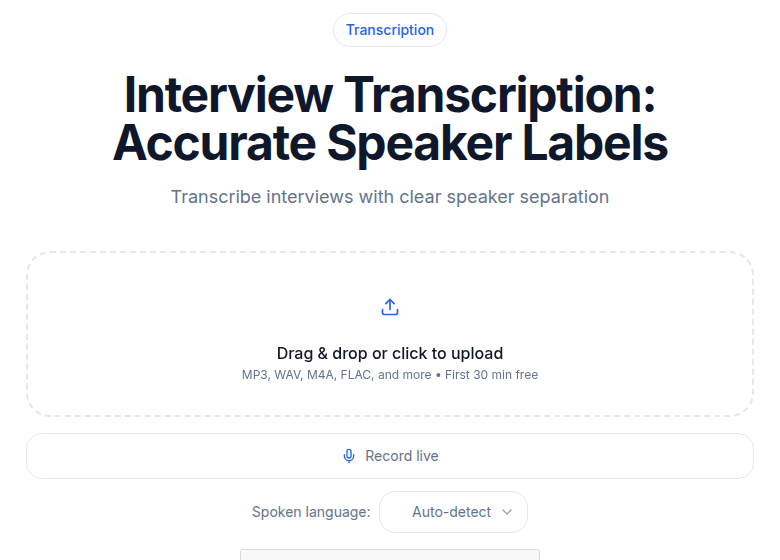 ConvertAudioToText interview transcription tool showing uploaded audio and speaker-labeled output
Backup Recording
Run a second device. Always.
The minimum: put your phone on the table with a voice memo app running. This catches dead batteries, full cards, and recorder firmware crashes, all of which happen at the worst moments.
A professional redundancy setup uses two recorders simultaneously. Many field recorders in the Zoom Essential and H-series range have dual-recording modes that write the same input to two files at different gain settings, giving you a safety copy at a lower level in case the main track clips.
Lost interview audio is a career-defining problem. A backup device costs one minute of setup time.
Transcription Workflow After the Interview
Copy the files to your laptop. For a two-track stereo file (Setup 2), upload it directly to ConvertAudioToText's audio-to-text tool and select your language. The two distinct tracks give the diarization step a strong signal to work from.
For single-track files (Setups 1 and 3), upload the same way. Speaker separation accuracy on a single mixed track depends heavily on how distinct the two voices are and how much overlap there is. Cleaner room, less overlap, more distinct voices: better results. For a deeper look at how the accuracy math works, see transcription accuracy explained.
For researchers building a structured analysis, the how-to-transcribe-interview-recording guide covers the post-transcription workflow for extracting themes and key quotes. For journalists on deadline, creating meeting minutes from audio covers the summary-extraction step.
If you need a transcript without signing up for an account, ConvertAudioToText processes audio files directly without requiring registration for short files.
Consent Before You Press Record
Get verbal consent on the recording itself, before the substantive conversation starts. "This interview is being recorded, is that okay?" followed by a clear "yes" on tape is protection for both you and the subject.
US federal law and most states allow recording with single-party consent (only the person doing the recording needs to agree). As of 2026, 12 states require all-party consent: California, Connecticut, Delaware, Florida, Illinois, Maryland, Massachusetts, Montana, New Hampshire, Oregon, Pennsylvania, and Washington. Connecticut and Oregon have nuances: Connecticut applies all-party consent to phone calls but one-party to in-person conversations under criminal law; Oregon requires all-party consent for in-person communications specifically. The Reporters Committee for Freedom of the Press publishes a current 50-state survey and is the authoritative source to check before recording in an unfamiliar jurisdiction.
For confidential or sensitive interviews, verify what any transcription platform promises about data retention and access before uploading. Policies vary.
A Field Kit That Fits in a Backpack
The kit that handles 90% of scenarios:
- Zoom H4essential recorder (~$199)
- Two budget wired lavalier mics with XLR or TRS connectors (~$30-60 each)
- Spare AA batteries and a fresh 32 GB SD card
- A short XLR extension cable (lets your subject sit further from the recorder)
- Phone in airplane mode, voice memo running, on the table as backup
Total: roughly $280-350, depending on lavalier choice. Lasts years across every format from a quiet office to a noisy conference floor.
Run a 60-second test at the start of every interview before you move to your real questions. Check levels, check both channels, check for fabric rustle. You will never need the backup recording, except for the one time you do.
FAQ
What microphone setup is best for two-person in-person interviews?
Two lavalier mics, one clipped to each speaker, routed to separate channels on a stereo field recorder. Each speaker gets a clean isolated track, which produces reliable speaker separation at transcription time. A single mic picking up both speakers works but relies on acoustic voice differences to separate the speakers, which is less consistent.
How close should a lavalier mic be to the speaker's mouth?
Six to eight inches below the chin, on the lapel or upper chest, with the capsule angled slightly upward. Closer than four inches risks plosives and breath noise. Further than ten inches reduces level and lets room noise compete with the voice.
Do I need to tell someone I'm recording them?
In the US, federal law allows one-party consent recording, meaning you can record a conversation you are part of without telling the other person. However, as of 2026, twelve states require all-party consent: California, Connecticut, Delaware, Florida, Illinois, Maryland, Massachusetts, Montana, New Hampshire, Oregon, Pennsylvania, and Washington. Getting verbal consent at the start of the recording is the safest practice in any jurisdiction and is standard in journalism.
What recorder settings produce the cleanest audio for transcription?
WAV format at 44.1 kHz, 16-bit or higher, with gain set so peaks hit -12 to -6 dB during a test conversation. Enable the limiter and an 80-100 Hz low-cut filter. Avoid touching the gain during the interview. If your recorder supports 32-bit float recording (Zoom Essential series does), use it: it makes most gain errors recoverable in post without re-recording.
Sources
- Zoom H-series Essential lineup (H1essential, H4essential, H6essential): https://zoomcorp.com/en/us/handheld-recorders, checked July 2026
- Rode Wireless GO II product page: https://rode.com/en-us/products/wirelessgoii, checked July 2026
- Rode SmartLav+ product page and retailer listings: https://rode.com/en-us/products/smartlav-plus + https://sweetwater.com, checked July 2026
- Two-party consent state list: https://recordinglaw.com/party-two-party-consent-states, checked July 2026
- Reporters Committee for Freedom of the Press, "Reporters Recording Guide": https://rcfp.org (authoritative 50-state survey, verify current edition)
Try transcription free
Convert any audio or video to clean, unwatermarked text — speaker labels, timestamps, and AI summaries included. First 30 minutes free, no account.
Related Articles
Spotify Transcript Extractor: How to Copy and Download Episode Text
Get a Spotify podcast transcript you can copy and download: paste a public episode link, 30 minutes free with no signup, TXT or SRT files on eligible plans.
Focus Group Transcription for UX Researchers: Turn Multi-Speaker Audio Into Usable Evidence
A practical guide to focus group transcription for UX and insights teams. See how CATT handles speaker labels, timestamps, AI summaries, and clean export.